


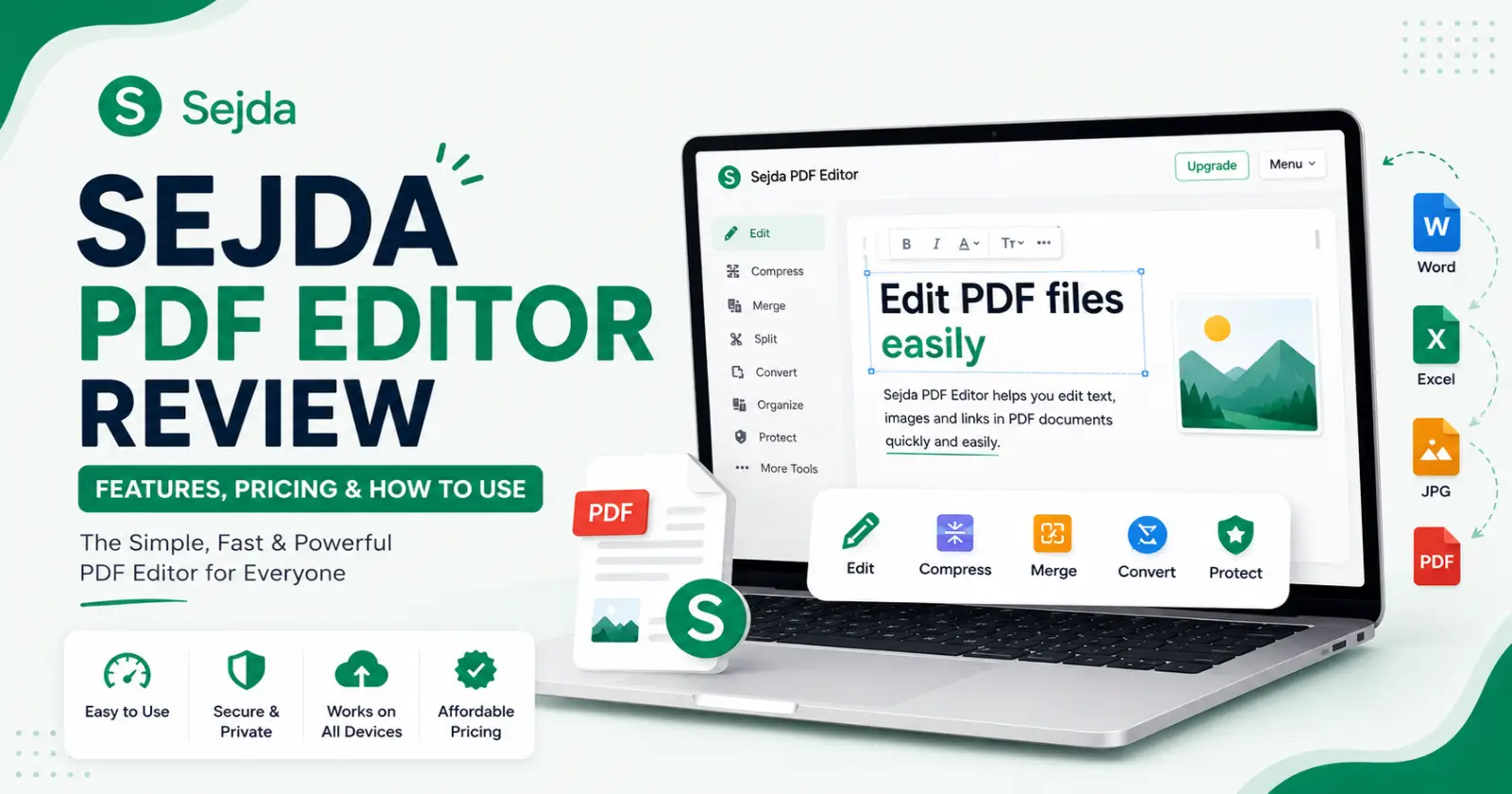
Have you ever struggled to edit a PDF file because of the use of complicated tools? Then you are not alone. Many of the applications offer free tools, but not for the key features that are crucial for users demanding membership from them. Sejda PDF Editor is here to assist you with all your needs.
Sejda PDF Editor is the best application platform for users to edit, merge, and convert all PDF files from long documents to smaller ones, all in one place, hassle-free. Sejda is the most trustworthy platform with affordable pricing and with all kinds of access for editing PDFs in 2026.
Here is the detailed blog on reviews of Sejda PDF Editor in 2026, its features, how it is effective for usage, pricing and its overall performance.
What is Sejda PDF Editor?
Sejda PDF Editor is a renowned PDF editing tool with minimal use of operational technology that suits all kinds of users, from students, educationalists, freelancers, office workers, to businessmen, as PDFs are no longer an option for them but a necessary tool in this digital and fast-paced world. Sejda PDF Editor provides top-class service that saves hours of work and the frustration of users.
Sejda is the best tool for editing that is available in both online and desktop versions. In online browsing, it works on every web browser, which makes it easier to use for the users. On the desktop, it works on files locally for better service. This is the simplest answer for all the complexities we face while editing our PDF files.
Sejda offers different editing tools for PDFs, such as editing, compressing, converting, merging files, and managing PDF files with simple installations. This makes it more popular and more suitable for casual use as well as professional use.
Website Address – https://www.sejda.com/
Key Features of Sejda PDF Editor
Sejda provides all essential services for PDF editing in a simple interface. Here are a few key features of Sejda that make it unique.
➤ Basic PDF Editor
Sejda PDF Editor offers all kinds of tools for editing the PDF files, such as getting to edit existing text, adding new text to the PDF, adding images to the file wherever the user finds it necessary and annotating documents. It is best to edit the PDF line by line rather than editing a whole paragraph.
➤ PDF Organisation
Writing a PDF is easy in the first place, but organising it in the right manner is quite difficult. To make it easier, Sejda provides irreplaceable services in organising PDFs, such as merging files, splitting big documents into small ones and last-minute decodings like page number settings, and deleting the unnecessary contents. You can do all these things in Sejda easily, which works quickly as well as more smoothly than you ever expected it to be.
➤ Conversion of Files
This is the main aspect of editing PDF files. Sejda is the one-stop platform where you can convert your file into multiple formats quickly and correctly. One PDF file can be converted into a Word document, or a Word file can be converted into a PDF, a JPG, or an Excel with simple steps. The tools for compressing the files are also quite effective in Sejda PDF Editor.
➤ Security
The Sejda PDF Editor is the most trusted platform that has earned all its users’ faith with proven work. It offers password protection for the files, encryption, and watermarks, one of the best among all other sites. This ensures the safety of the files as well as the user.
Read Also – Online2PDF
Pricing of Sejda PDF Editor in 2026
Sejda is the best free platform for editing PDFs, but it does come with some limitations, which are not difficult ones. Even the free version of Sejda PDF Editor gives access to all kinds of tools on the platform.
The paid plans in the Sedja PDF Editor give unlimited access to users. The monthly plan in the Sedja PDF Editor is only $7.50/month, and the yearly plan is more affordable and effective in Sedja, with just $63/year.
Sedja PDF Editor gives limited usage for free users, such as only three tasks per day, which can only be below 50MB in size. The maximum number of pages of the document should not exceed more than 200 pages for every document to get access and to make use of all the tools effectively.
Every tool on the site comes with detailed information on when to use which tool to get the best version of the document. The most important factor in Sejda PDF Editor is that it runs smoothly on all devices with fast-load technology that saves more time for its users.
Step-by-Step Explanation of How to Use Sejda PDF Editor
- Open Sejda PDF Editor on the website or on the desktop app. It is the same on both websites and the application forms.
- Choosing the necessary tool is the next step, depending on the purpose for which you opened Sejda, like editing the document or merging or converting the files.
- Uploading the file that needs to be edited from local storage or from the drive.
- Edit the document with exciting tools in the Sejda PDF Editor to enhance it.
- After all the changes are done, download the PDF or save it to the cloud.
Why is Sejda the Best?
The Sejda PDF Editor is the best one compared to its contemporary ones, such as iLovePDF, Smallpdf, or Adobe Acrobat. Even with limited access to the free version, Sejda remains the best among all the other editing tools. Sejda stands out because of its simplicity, budget friendliness, and more balanced features.
Key Takeaway
Sejda PDF Editor gives the perfect balance of functionality and simplicity of interface, which makes it a reliable tool for editing PDFs for all users in 2026. Sejda offers a wide range of editing tools at an affordable price, making it a strong competitor in PDF editing. Sejda is the most valuable and affordable option for everyday tasks for users. It is worth exploring the Sejda PDF Editor in 2026, as it is an effective tool for editing PDFs.
Read Also – How to Remove PDF File Password
