


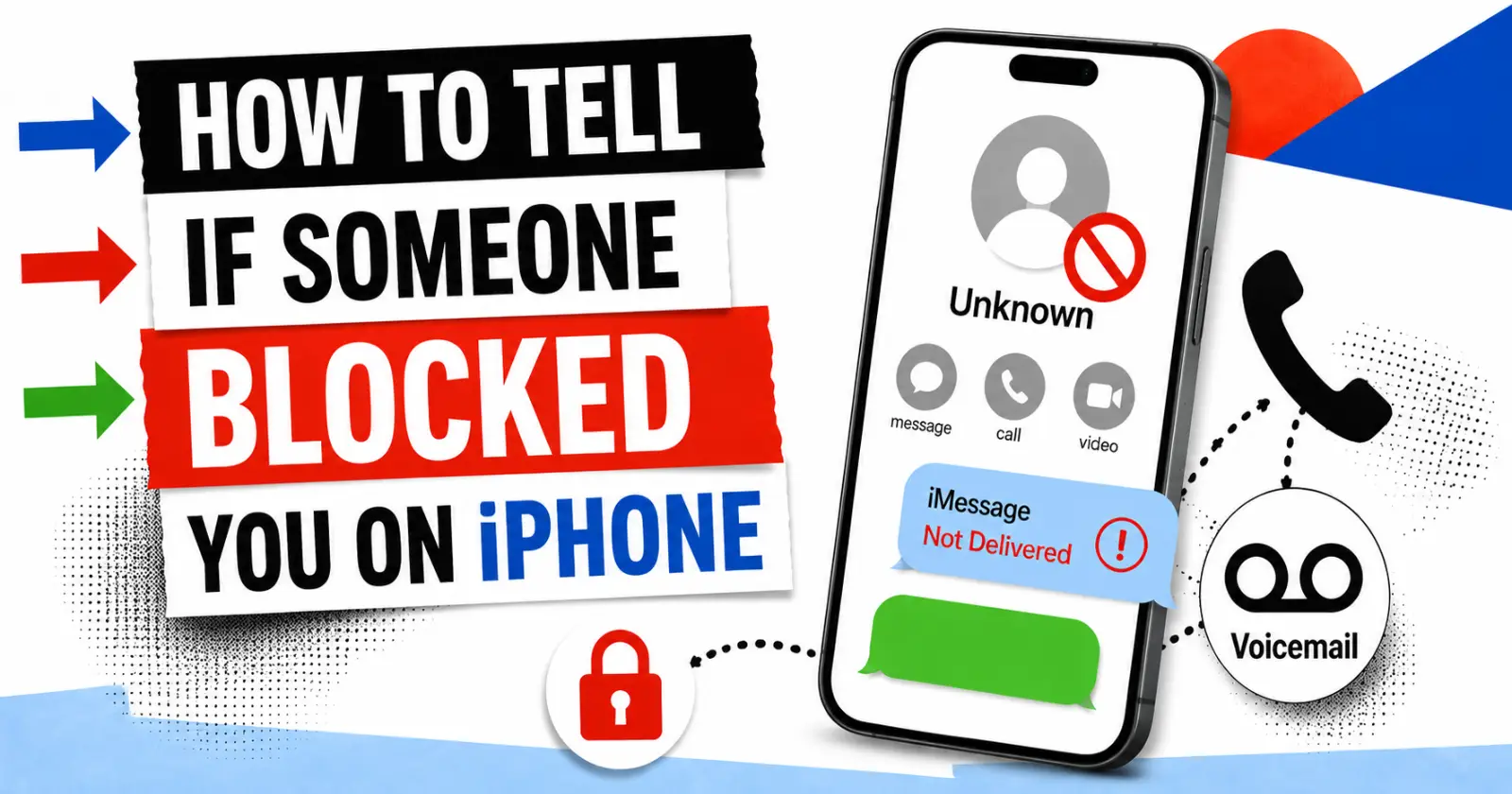
Many people notice weird changes in calling or messaging responses from their acquaintances and start wondering what is happening behind the scenes on their iPhone. Modern iPhone communication displays indirect signs that are easy to miss without careful observation. Knowing these signs helps reduce confusion during daily conversation.
One common concern people have is understanding unusual responses to messages or calls. This leads users to search for clarity about contact status, but knowing how to tell if someone blocked your number on iPhone helps. This guide explains practical indicators in a clear, simple way.
Call Behaviour Changes After Contact Issues
When an iPhone contact appears unreachable, call responses often change in noticeable ways. The phone may ring once and move directly to voicemail without multiple attempts.
Normal connections usually allow repeated ringing before voicemail activation, so this displays a clear change in normal call response. These changes help users identify unusual call handling responses across different situations.
Key indicators include specific call responses that differ from the standard response in the daily communication flow. Note these:
- Single ring before voicemail activation
- Repeated voicemail redirection
- No sustained ringing cycle
- Pattern remains consistent
iMessage Delivery Indicators and Text Status
iMessage provides subtle delivery signals that reveal message status changes on iPhone devices. The absence of delivery confirmation under a message is often an indicator of communication interruption. Blue message bubbles turning into green SMS format reflect network routing differences in messaging systems.
When evaluating message response patterns, you can learn how to tell if someone blocked your number on iPhone. It becomes clearer through missing delivery receipts and inconsistent status updates. These indicators do not confirm blocking directly, but they only suggest possible communication restrictions in messaging environments.
Read Also – Do Messages Deliver When A Phone Is Dead?
Voice Call Routing and Voicemail Behaviour
Voice call routing patterns provide important clues when analysing contact accessibility. A single ring followed by voicemail suggests a potential interruption in direct call connection paths. Normal call flow typically includes multiple rings before voicemail activation, allowing more time for a response.
Users often observe repeated voicemail redirection during unsuccessful contact attempts. Call termination patterns without extended ringing cycles indicate an altered connectivity status. Careful observation of the timing difference helps in recognising unusual communication behaviour. Note these:
- Short ring duration signals
- Immediate voicemail transfer
- Irregular call completion patterns
- Patterns require careful monitoring
iMessage Read Indicators and Response Absence
Read indicators in messaging systems provide insight into recipient engagement levels. Absence of read receipts or delivery confirmation under messages often reflects a change in communication visibility settings.
Message bubbles without status updates may indicate restricted interaction paths in communication networks. Users may notice blank spaces beneath the sent message where delivery information normally appears.
Note these:
- Missing delivery confirmation signals
- Empty status fields
- Inconsistent message tracking behaviour
These observations assist users in exploring message flow irregularities across different iPhone communication scenarios in daily usage environments. Clear interpretation supports better awareness in messaging behaviour.
Practical Verification Methods for Contact Status
Verification methods help users confirm unusual contact behaviour through indirect testing approaches. Hiding the caller’s identity or using alternate dialling techniques provides additional clarity in uncertain communication situations.
Testing call response patterns from different numbers helps refine the understanding of communication restrictions. When how tell if someone blocked your number on iphone is considered during evaluation, users compare ringing behaviour across multiple devices. Consistent differences in call connection results may indicate limited access scenarios in contact networks.
- Alternate number testing
- Caller ID masking
- Cross-device comparison checks
- Results require consistent observation
Overall Interpretation of Blocking Indicators
Overall interpretation of communication requires combining multiple behavioural signals rather than relying on a single observation. Call patterns, message delivery status, and response timing collectively provide a clearer picture of contact accessibility.
Users benefit from reviewing multiple communication channels to identify consistent irregularities across interactions. Patterns observed in calls and messaging systems help from practical awareness of possible contact limitations.
- Call ring anomalies
- Message status gaps
- Response delay patterns
Careful analysis of combined indicators improves communication behaviour changes across different usage situations and device interaction patterns observed.
To Wrap Up
Communication signs on an iPhone device help users interpret subtle changes in call and message interactions. Observing patterns across calls, messages, and delivery indicators helps form a clear picture of contact status. No single sign provides complete confirmation, but it displays signals about possible restrictions.
Users benefit from comparing multiple indicators before drawing conclusions about someone blocking them on iPhone. A careful approach reduces confusion and supports the accurate interpretation of messaging behaviour in daily use situations. Overall awareness improves digital communication understanding when evaluating how to tell if someone blocked your number on iPhone, which remains helpful in the evaluation process today.
Read Also – How To Delete Apps On iPhone
