


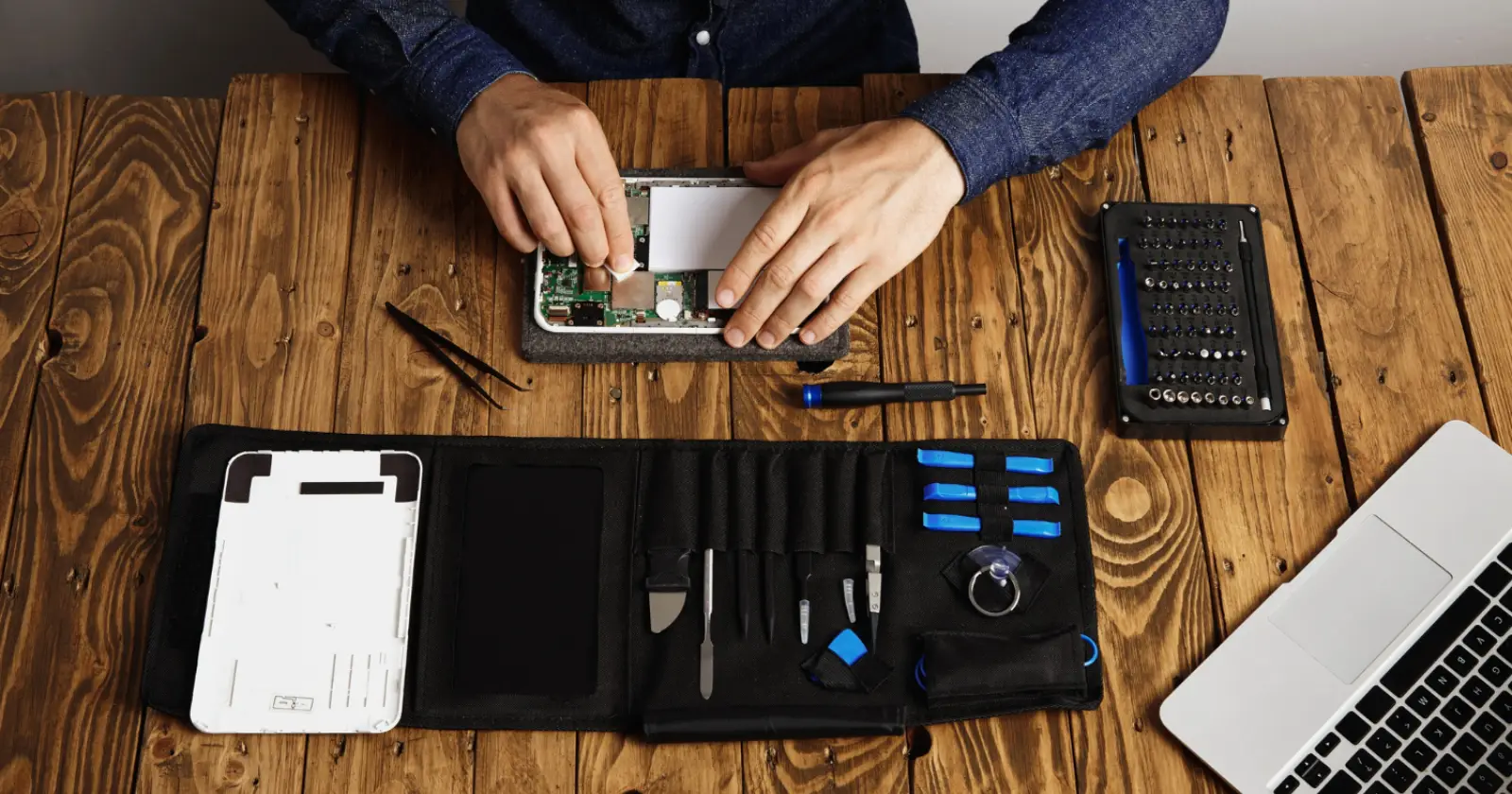
If you are in the mobile repair business or frequently deal with locked Android smartphones, you probably understand the challenges involved. Forgotten passwords, FRP locks, and boot loops are common problems that can consume valuable time and affect technician productivity.
This is where Android Multi Tool download shows its value. Whether you are a beginner technician or a professional running a repair shop, Android Multi Tool assists with unlocking, repairing, and servicing your smartphone in a few clicks. This blog explains the features and installation of Android Multi Tool, so read on.
What Makes Android Multi Tool So Popular
The need for reliable mobile repair tools has increased as smartphone security has become more advanced. At the same time, conventional repair methods are often less effective for modern devices. This is the reason why Android Multi Tool downloads are becoming popular. Android Multi Tool offers a simple interface, fast processing, broad device compatibility, and regular updates, making routine tasks easier to manage.
Many repair shops make use of the AMT software to simplify everyday tasks and minimize manual labor. For technicians, the availability of such a reliable tool is useful for troubleshooting and provides an easy solution to the repair processes.
Key Features of AMT Tool
AMT Tool offers various Android servicing functions for professional users. Options available will depend on brand, chipset, security patch level, and tool version. Here are some of the features of Android Multi Tool:
1. FRP Unlock
The AMT Tool offers FRP reset capabilities for Android devices that support it. FRP stands for Factory Reset Protection. It is a security feature designed to help prevent unauthorized use of an Android device after it has been reset to factory settings.
Service of FRP related to the device is possible on devices owned by the technician. It may also be performed when a customer gives the necessary permissions and proves ownership.
2. Firmware Related Functions
Some versions of Android Multi Tool include firmware-related functions for supported devices, depending on the tool version, device model, and hardware platform. These functions can help troubleshoot software issues or restore supported devices using compatible firmware.
They can also support authorized servicing procedures of the device. All firmware operations should be performed carefully, as the wrong firmware file might create problems with its installation and proper functioning.
3. Pattern and Screen Lock Removal
Another benefit of using AMT is its ability to perform pattern and screen lock servicing on Android devices. It will allow technicians to assist customers who forget their screen lock credentials and require device servicing.
Technicians will be able to perform specific device servicing, following a reset process when necessary. Before starting the work on any device, technicians will be able to confirm authorization and back up customer data.
4. Partition Manager
The partition manager is a sophisticated feature of Android Multi Tool that targets Android experts. It allows experienced users to perform supported partition-management operations for device servicing and software maintenance. This can be useful when troubleshooting partition-related issues on compatible devices.
Since partitioning affects critical system components, it must be handled with utmost care by professionals. The technician must check the device compatibility before implementing any partition changes.
Steps to Download the AMT Tool
It is very easy to download the software. To download the AMT tool, follow these simple steps.
- Go to the official AMT Tool website for downloading the software.
- Find the download section and have a look at the different AMT versions.
- Click on “Download AMT Tool” to start the download.
- Save the downloaded ZIP file to your desktop directory.
There is no need for any registration or sign-in. AMT Tool has a website that offers the download service of AMT Tool, completely free of cost. Download the software from the verified or official page to avoid spam or modified versions.
Installation Procedure of Android Multi Tool
- Extract the Setup: Once you have downloaded the AMT Tool setup ZIP file, extract it to a suitable place on your Windows PC.
- Install and Log in: Open the installer from the extracted folder and proceed with the installation process. Finally, log in through your account.
- Install the Necessary USB Drivers: Install the appropriate USB drivers for your device chipset or brand.
- Connect Your Device: Use a quality USB cable to connect your mobile device to the Windows PC.
- Choose Your Operation: Launch AMT Tool, select your device brand, and choose the required operation. Begin the process after you have checked everything.
Summing Up
Android Multi Tool is a versatile utility designed to support various Android device servicing, maintenance, and repair tasks on compatible devices. Whether it is about unlocking smartphones or solving software problems, the tool provides everything in one place.
If you regularly perform Android servicing or troubleshooting, downloading a compatible Android Multi Tool can be useful for accessing repair functions. With proper preparation and caution, AMT Tool can make your Android servicing tasks easier. It also reduces the need to rely on various separate programs.
Read Also – Poorvika Mobiles Pun
