


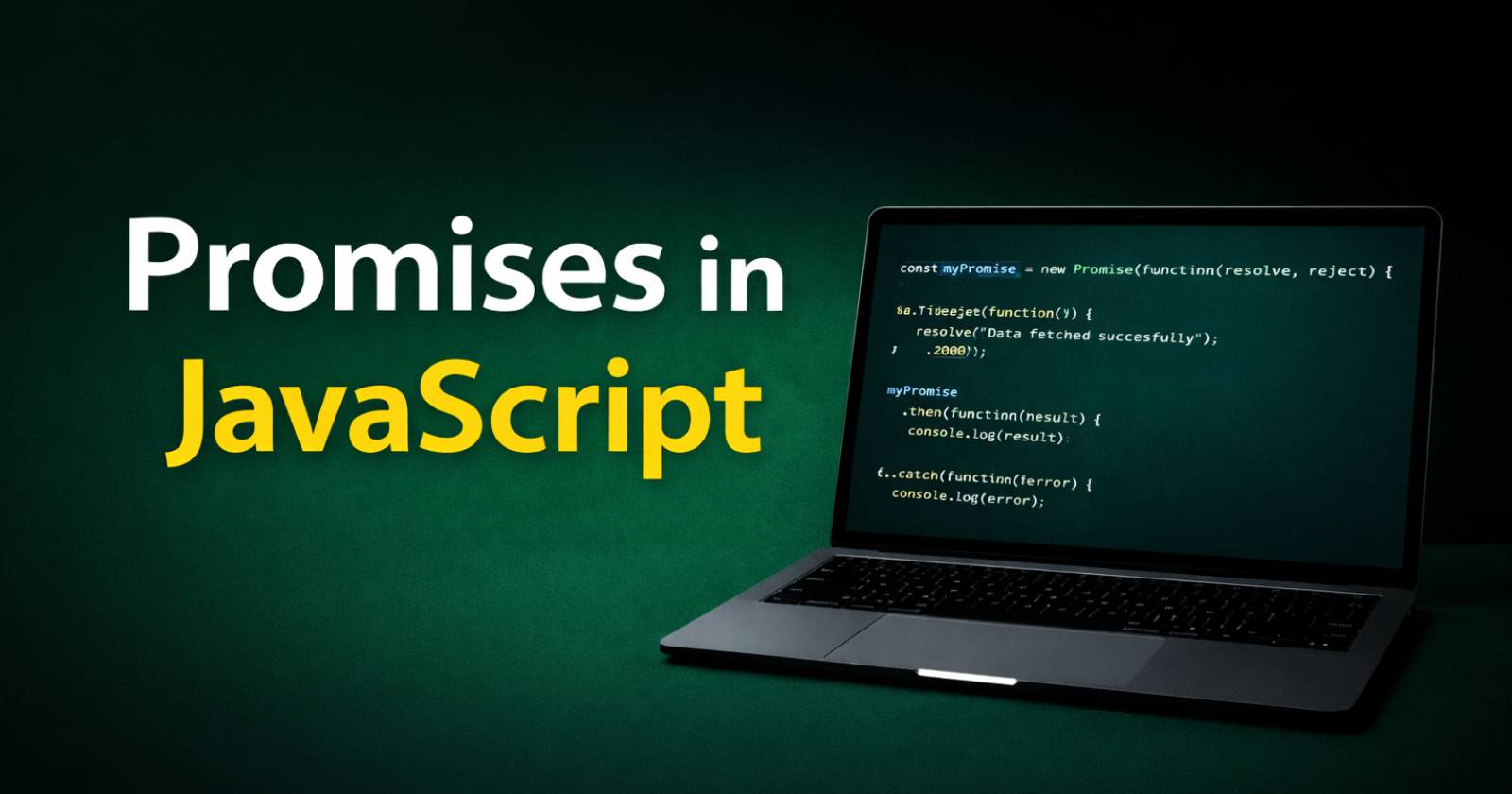
JavaScript handles many tasks asynchronously, especially when it works with APIs, databases, or timers. Because these tasks take time to complete, developers need a clean way to manage them. Therefore, promises in JavaScript help you handle asynchronous operations in a structured and readable way.
In this guide, you will learn what promises are, how they work, and how you can use them with practical examples.
What Are Promises in JavaScript?
A promise in JavaScript represents a value that may become available now, later, or never. In simple words, a promise tells you that a task will be completed in the future, and it will either succeed or fail.
Because asynchronous code often creates confusion, promises give you better control over success and error handling. As a result, you can write cleaner and more predictable code.
Why Do We Need Promises?
Before promises, developers used callback functions in JavaScript to handle asynchronous operations. However, nested callbacks created messy and hard-to-read code, which people often call “callback hell.”
For example:
setTimeout(function() {
  console.log("Step 1 complete");

  setTimeout(function() {
    console.log("Step 2 complete");

    setTimeout(function() {
      console.log("Step 3 complete");
    }, 1000);

  }, 1000);

}, 1000);
Because each step depends on the previous one, the code becomes deeply nested. Therefore, promises solve this problem by organizing asynchronous flow properly.
How a Promise Works
A promise has three states –
- Pending – The operation has not completed yet.
- Fulfilled – The operation completed successfully.
- Rejected – The operation failed.
When you create a promise, it starts in the pending state. After that, it either resolves (fulfilled) or rejects (error). Because of this clear lifecycle, you can handle success and failure separately.
Creating a Promise in JavaScript
You create a promise using the Promise constructor. It takes a JavaScript function with two parameters: resolve and reject.
Here is a simple example:
const myPromise = new Promise(function(resolve, reject) {
  let success = true;

  if (success) {
    resolve("Task completed successfully");
  } else {
    reject("Task failed");
  }
});
Here, the promise checks the condition and calls resolve if it succeeds. Otherwise, it calls reject. Therefore, you control the outcome clearly.
Handling Promises with .then() and .catch()
After creating a promise, you handle its result using .then() for success and .catch() for errors.
Example:
myPromise
  .then(function(result) {
    console.log(result);
  })
  .catch(function(error) {
    console.log(error);
  });
Because .then() runs when the promise resolves, it handles success values. On the other hand, .catch() runs when the promise rejects, so it handles errors.
Real Example – Simulating an API Call
Now, let’s simulate a real-world example where data loads after some time.
const fetchData = new Promise(function(resolve, reject) {
  setTimeout(function() {
    resolve("Data fetched successfully");
  }, 2000);
});

fetchData
  .then(function(data) {
    console.log(data);
  })
  .catch(function(error) {
    console.log(error);
  });
Here, the promise waits for 2 seconds and then resolves. Therefore, it behaves like an API call that returns data later.
Chaining Promises
One powerful feature of promises in JavaScript is chaining. Because .then() returns another promise, you can attach multiple .then() methods.
Example:
const numberPromise = new Promise(function(resolve) {
  resolve(5);
});

numberPromise
  .then(function(num) {
    return num * 2;
  })
  .then(function(result) {
    console.log(result); // 10
  });
Here, each .then() passes its result to the next one. As a result, you can create a clean sequence of operations without nesting.
Using .finally()
Sometimes you want to run code regardless of success or failure. Therefore, JavaScript provides the .finally() method.
Example:
myPromise
  .then(function(result) {
    console.log(result);
  })
  .catch(function(error) {
    console.log(error);
  })
  .finally(function() {
    console.log("Operation finished");
  });
Here, .finally() always executes after the promise settles. Because of that, you can clean up resources or stop loaders safely.
Promise.all()
You can also handle multiple promises together using Promise.all(). It waits until all promises resolve, and then it returns their results.
Example:
const promise1 = Promise.resolve(10);
const promise2 = Promise.resolve(20);
const promise3 = Promise.resolve(30);

Promise.all([promise1, promise2, promise3])
  .then(function(values) {
    console.log(values); // [10, 20, 30]
  });
Because Promise.all() waits for every promise, it works best when tasks run in parallel.
Promise.race()
On the other hand, Promise.race() returns the result of the first completed promise.
Example:
const fast = new Promise(function(resolve) {
  setTimeout(function() {
    resolve("Fast promise");
  }, 1000);
});

const slow = new Promise(function(resolve) {
  setTimeout(function() {
    resolve("Slow promise");
  }, 3000);
});

Promise.race([fast, slow])
  .then(function(result) {
    console.log(result); // "Fast promise"
  });
Here, the faster promise wins. Therefore, Promise.race() helps when you need the quickest response.
Common Mistakes with Promises
Although promises simplify asynchronous code, developers still make mistakes. For example, forgetting to return a value inside .then() breaks the chain. Similarly, ignoring .catch() can leave unhandled errors.
Because of these risks, you should always:
- Return values properly.
- Handle errors with .catch().
- Avoid mixing callbacks and promises.
Promises vs Async/Await
Modern JavaScript also provides async/await, which builds on top of promises. Because async/await uses promises internally, it makes asynchronous code look synchronous.
However, you must understand promises first. Therefore, once you master promises in JavaScript, you can easily learn async/await.
Bottom Line
Promises in JavaScript provide a powerful way to manage asynchronous operations. Because they handle success and failure clearly, they improve code readability and structure.
You can create promises, chain them, handle errors, and manage multiple operations using methods like Promise.all() and Promise.race(). Therefore, once you understand promises, you can write cleaner and more professional JavaScript code.
Now you can confidently use promises in your projects and handle asynchronous tasks without confusion.

1 Comment
Really appreciate your post — it gave me new insights and useful ideas.