


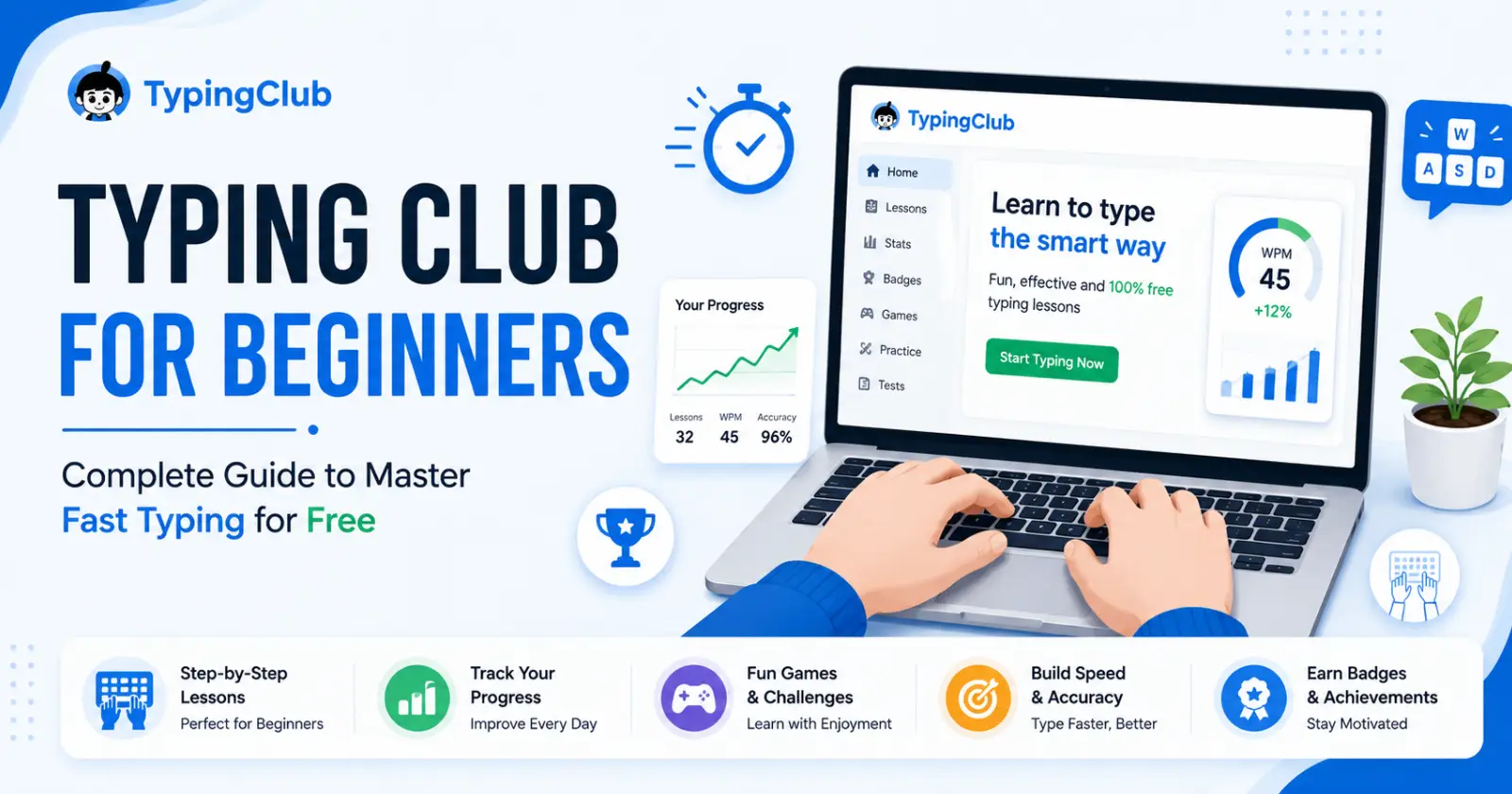
The world is becoming digital today, so getting better at typing is a must for students, professionals, and others who have to work with computers. TypingClub is a tool that particularly shines in this area.
The Typing Club is a free platform that offers more than 650 interactive lessons, games, and tests. It is a web-based platform. The lessons on this site are suitable for beginners who want to build speed and accuracy in a short period of time.
Why Typing Club Stands Out for New Typists
For individuals and schools, Typing Club is fully free for use. It only needs a web browser and a computer keyboard. There is no download involved. It helps users from basic home row keys like F and J to advanced speeds close to 75 WPM through structured lessons.
This is a platform that helps train muscle memory. It offers stars, badges, and levels to push users towards regular practice. In some days, beginner typers can gain professional-level skills. Expertise occurs in under one or two weeks.
It comes with various accessibility features, like voice-over that reads words aloud. You also get hand posture guides from this tool. In short, the tool is a perfect guide for people of all ages and abilities.
Getting Started – Simple Steps for Beginners
Go to the official website (https://www.typingclub.com/) of Typing Club. On the site, click “Get Started Now”. You do not need an account on the site at first, but creating a free profile enables you to save your progress across devices.
Choose the beginner lesson plan first if you are new. Start learning with QWERTY home row basics.
Try to earn 5 stars in each lesson you take. The tool is capable of tracking errors and replaying sessions for review. If you run a school or take lessons as a family, you have access to the School Edition. This is an option for class creation and student rostering after a fast signup.
Use the voice-over feature in settings for auditory feedback. This feature helps with focus for visual learners or others with various kinds of disabilities.
Core Features Tailored for Beginners
There are 700+ lessons on Typing Club. They move from single keys to full, long paragraphs. The tool also offers games like Jungle Junior for kids and hosts stories like Ava’s Magical Adventure for user engagement.
Videos on the site also feature the right techniques and typing tests. On the other hand, they measure real-time user skills and practice.
There are interactive challenges that are hosted in multiple languages. Some options are Spanish, French, and German. You also get specialized plans for Dvorak keyboards or one-handed typing.
Tracking progress is possible with playback. It lets new users learn from their mistakes, like over-reliance on known words. This will build confidence beyond structured exercises.
Benefits of Fast Typing with TypingClub
Typing fast easily increases the productivity of everyone. There are studies that show typists with a skill level of 60 WPM can finish their tasks 3 times faster than regular users. TypingClub users easily go from 20 EPM to 40+ in some weeks if they focus on accuracy first.
The tool reduces physical strain and offers posture guides. It also helps build lifelong skills for emails, coding, or content creation. For fun, gamification is available, and this prevents burnout in dry drills.
The ease of this tool is praised by many and is appreciated for its accessibility and fun.
Tips to Maximize Learning Speed
Spend 15 to 30 minutes every day to warm up with home row. Then, take new lessons and end with games. Do not peek and trust your muscle memory. Typing Club offers playback that reveals user habits like slow typing on unfamiliar words.
After taking the lessons, try writing emails or notes to see if the skills transfer. This counter drops outside the platform. Keep track of your WPM weekly. Focus on achieving 95% accuracy before speed pushes.
Kids can learn better using themed stories. Adults can do advanced texts. Free analytics display strengths, like usual words or rare ones.
Common Challenges and Fixes
Some notice speed dips in non-Typing Club tasks due to unfamiliar vocabulary. A solution is to diversify practice post-basics. Ads in the free version annoy a few, but pro upgrades remove them without core limits.
School Edition free tier caps classes at three and data at 30 days, but it suits most beginners. If stuck, tutorials cover account setup and lesson plans.
TypingClub excels in engagement for novices, while others suit speed polishing.
Why Go Free with Typing Club Today?
No excuses, as it is 100% online, Google for Education certified, and proven for rapid gains. Whether prepping for exams, jobs, or hobbies, beginners transform “hunt-and-peck” into fluid typing effortlessly.
Start now: visit typingclub.com, launch a lesson, and watch WPM soar. Consistency unlocks productivity in our keyboard-driven era, and your fingers will thank you.
Advanced Typing Techniques
Once basics are mastered, Typing Club unlocks advanced modules like number row drills and punctuation challenges.
These build fluidity for emails, reports, and coding. This skill is essential for professionals. Practice capitalization shifts and symbols without looking, boosting real-world speed by 20-30%.
Combine finger independence exercises with rhythm drills. Users report sustaining 50+ WPM during long sessions. Pro tip: slow down to 80% accuracy on tough combos like “the quick brown fox,” then accelerate.
Typing Club Mobile Experience
Access lessons on phones or tablets via the responsive site, because no app installation is needed. Touchscreen mode adapts for virtual keyboards, perfect for commuters practicing during train rides. Sync progress across devices for seamless sessions at home or the office.
Voice feedback and adjustable speeds suit auditory learners, while dark mode reduces eye strain for late-night practice.
Integrating Typing into Daily Life
Post-Typing Club, apply skills in chats, social media, or content creation, your profession’s backbone. Freelancers enjoy an edge because they can draft SEO blogs or research notes at 60 WPM after training. They can then pair their work with grammar tools for polished output.
Kids can work through story modes for school essays. Adults can learn to work with legal documents or finance reports effortlessly.
Final Thoughts
Lastly, remember to commit to 21-day streaks for habit formation. Celebrate badges like “Lightning Typist” at 75 WPM on the typing club platform. TypingClub evolves with updates, adding AI feedback by 2026 for personalized drills. Transform typing from chore to a superpower using this free, fast, and fun tool. Dive deeper today!
Read Also – Online2PDF Free PDF Converter and Editor Tool
