


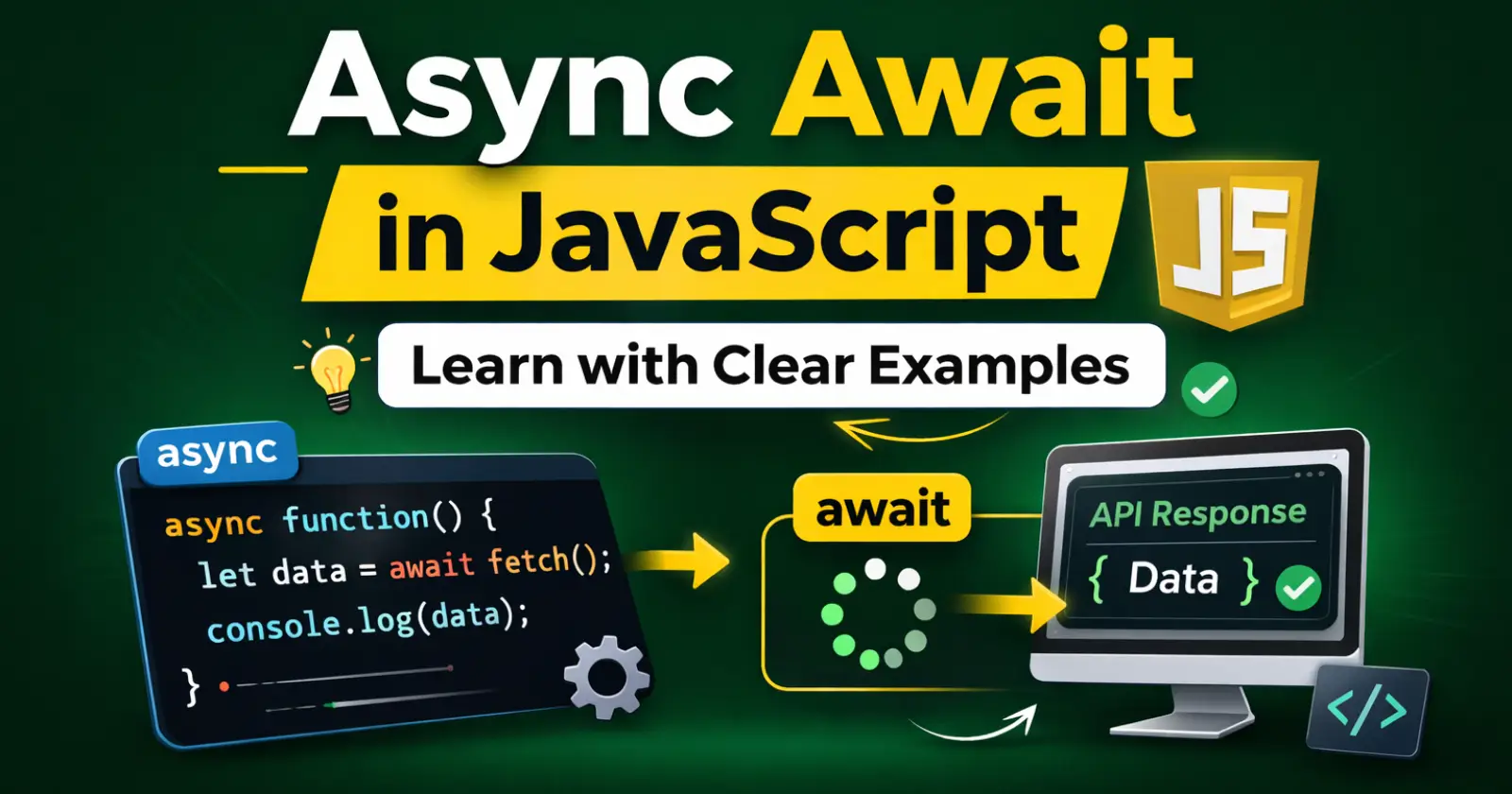
When you start working with JavaScript in real projects, sooner or later you face one common problem – some tasks take time. For example, fetching data from an API, reading a file, or connecting to a database does not happen instantly.
So the question is, should your entire program stop and wait? Obviously not. And this is exactly where async await JavaScript becomes very useful.
Instead of blocking everything, JavaScript allows certain tasks to run in the background. And with async and await, we can manage those tasks in a very clean and simple way.
Let us understand it step by step.
First, Why Do We Even Need Async?
Imagine you click a button on a website, and it loads user data from a server. That request might take 2 seconds.
Now, if JavaScript waits for those 2 seconds before doing anything else, your website will freeze. That would feel slow and broken.
So instead, JavaScript says- “Okay, I will start this task, and meanwhile, I will continue running the rest of the code.”
That behavior is called asynchronous programming.
Earlier, developers used callbacks. Then Promises came. However, when the logic became complex, the code started looking messy. That is why async await was introduced – to make async code look normal and readable.
What Does async Actually Do?
When you put the async keyword before a function, it automatically makes that function return a Promise.
Even if you return a normal value, JavaScript quietly wraps it inside a Promise.
Here is a simple example –
async function sayHello() {
  return "Hello!";
}
sayHello().then(result => console.log(result));
Output:
Hello!
Notice something interesting here. We returned just a string. Still, we had to use .then() to get the result. That is because async functions always return a Promise.
So basically, async prepares the function to work with asynchronous behavior.
Now Let’s Understand Await in JS
The await keyword is where the real magic happens. It pauses the execution of the async function until the Promise is resolved. However, it does not block the whole program – it only pauses inside that specific function.
Let us see a practical example.
function fetchData() {
  return new Promise((resolve) => {
    setTimeout(() => {
      resolve("Data loaded successfully");
    }, 2000);
  });
}

async function getData() {
  let result = await fetchData();
  console.log(result);
}

getData();
Output after 2 seconds:
Data loaded successfully
Here is what happens:
- fetchData() returns a Promise.
- await waits for it to finish.
- Once it resolves, the result is stored.
- Then the next line runs.
Because of this, the code looks simple and clean.
Why Developers Prefer Async Await
Let us be honest. Promise chains can sometimes look confusing, especially when there are multiple steps.
For example –
fetchData()
  .then(data => {
    return processData(data);
  })
  .then(result => {
    console.log(result);
  })
  .catch(error => {
    console.log(error);
  });
Now compare that with async await:
async function handleData() {
  try {
    let data = await fetchData();
    let result = await processData(data);
    console.log(result);
  } catch (error) {
    console.log(error);
  }
}
Clearly, the second version looks more natural. It reads almost like normal step-by-step logic. Therefore, most modern JavaScript developers prefer async await.
Handling Errors Properly
In real-world applications, errors are common. Maybe the server is down. Maybe the API fails. So we must handle errors safely.
With async await, we use try…catch.
async function testError() {
  try {
    let response = await Promise.reject("Something went wrong");
    console.log(response);
  } catch (error) {
    console.log(error);
  }
}

testError();
Output:
Something went wrong
Instead of crashing the program, the error is caught and handled properly. That makes your application stable and professional.
Real Example – Fetching API Data
Now, let us look at something practical.
async function getUsers() {
  try {
    let response = await fetch("https://jsonplaceholder.typicode.com/users");
    let users = await response.json();
    console.log(users);
  } catch (error) {
    console.log("Error:", error);
  }
}

getUsers();
Here is what happens step by step:
- First, we wait for the API response.
- Then we wait again to convert it into JSON.
- Finally, we log the user data.
Because of async await JavaScript, this process feels simple and readable.
Important Things to Remember
Before you start using async await everywhere, keep these points in mind:
- await works only inside async functions.
- Async functions always return Promises.
- Use try-catch for error handling.
- Do not block the event loop with heavy synchronous code.
If you remember these basics, you will avoid the most common mistakes.
So, When Should You Use Async Await?
You should use async await when:
- You are calling APIs.
- You are working with databases.
- You are handling file uploads.
- You need cleaner async code.
In modern JavaScript projects, async await is almost standard practice.
Final Thoughts
To put it simply, async await JavaScript makes asynchronous programming easier to read and manage. Instead of dealing with complicated Promise chains, you can write code that looks clean and structured.
Moreover, with proper error handling, your applications become more reliable.
If you are serious about JavaScript development, mastering async and await is not optional – it is essential.
Read Also –
1- Math.random in JavaScript
2- Callback Function in JavaScript
3- this Keyword in JavaScript
