


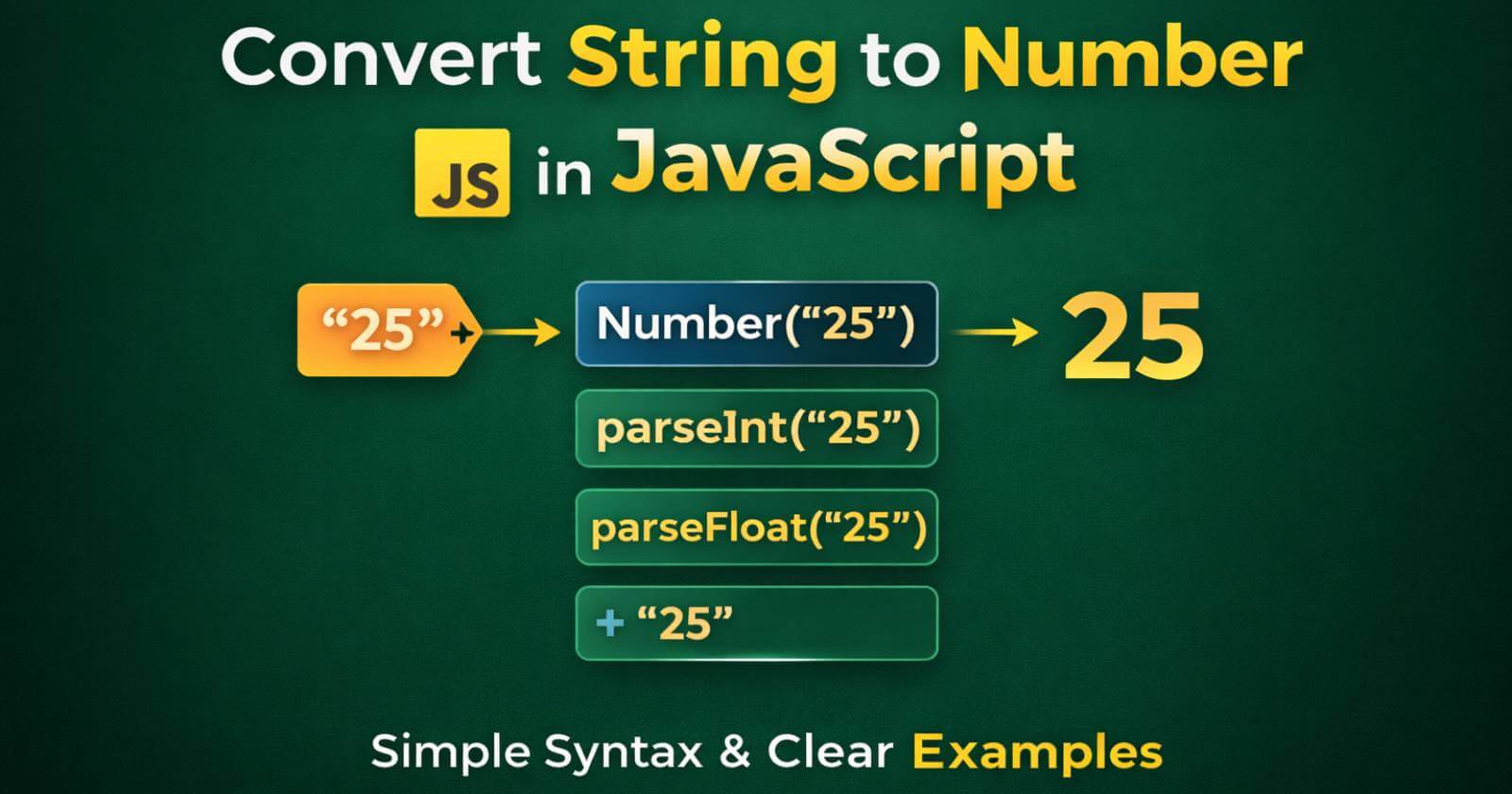
Sometimes, while working with forms, APIs, or user input, you receive numbers in string format. For example, a user enters “25” in an input field. However, even though it looks like a number, JavaScript treats it as a string.
Now the problem is simple. You cannot perform proper mathematical operations on strings. Therefore, you need to convert them into numbers first.
In this guide, we will clearly understand how to JavaScript convert string to number using different methods, along with syntax and real examples.
Why Do We Need to Convert String to Number?
Before jumping into methods, let us understand the reason.
Imagine this:
let a = "10";
let b = "5";
console.log(a + b);
Output:
105
Now, I know this might surprise you. Instead of adding the numbers, JavaScript joins them. That is because both values are strings.
So, in order to perform actual addition, we must convert them into numbers.
Methods to Convert String to Number in JavaScript
There are multiple ways to convert a string into a number. Let us understand each one step by step.
1️⃣ Using Number() Function
The simplest way is to use the Number() function. It converts a string into a numeric value.
Syntax:
Number(value)
Example:
let str = "50";
let num = Number(str);

console.log(num);
console.log(typeof num);
Output:
50
number
As you can see, the string “50” is now converted into a number. Therefore, this method works well for clean numeric strings.
However, if the string contains invalid characters, it will return NaN.
Example:
Number("50px");
Output:
NaN
So, use this method when the string is purely numeric.
2️⃣ Using parseInt()
Now, suppose your string contains numbers mixed with text. In that case, parseInt() is helpful.
Syntax:
parseInt(value)
Example:
let str = "100px";
let num = parseInt(str);

console.log(num);
Output:
100
Here, JavaScript reads the number from the beginning and ignores the text part. Therefore, parseInt() is useful when dealing with values like “100px”.
However, it only works for integers.
3️⃣ Using parseFloat()
If your string contains decimal values, then parseFloat() is the better option.
Syntax:
parseFloat(value)
Example:
let str = "99.75";
let num = parseFloat(str);

console.log(num);
Output:
99.75
So, if you are working with prices, percentages, or measurements, this method works perfectly.
4️⃣ Using Unary Plus Operator (+)
There is also a short and quick method. You can use the unary plus (+) operator.
Although it looks simple, it converts a string into a number instantly.
Example:
let str = "200";
let num = +str;

console.log(num);
console.log(typeof num);
Output:
200
number
This method is clean and commonly used. However, beginners sometimes find it confusing, so use it carefully.
5️⃣ Using Math.floor() or Math.ceil() (With Conversion)
Sometimes you want to convert and round the number at the same time. In such cases, you can combine methods.
Example:
let str = "45.89";
let num = Math.floor(Number(str));

console.log(num);
Output:
45
Here, first we convert the string to a number. Then we round it down.
Important Things to Remember for Convert String to Number In JS
While working with JavaScript convert string to number, keep these points in mind:
- Always check if the result is NaN.
- Use parseInt() for integers.
- Use parseFloat() for decimal numbers.
- Use Number() for clean numeric strings.
- Unary plus is short but should be used carefully.
Real-Life Example (Form Input)
Now let us see a practical example.
let inputValue = "25";
let quantity = Number(inputValue);
let price = 10;

let total = quantity * price;

console.log(total);
Output:
250
Here, if we did not convert the string, the calculation would not work correctly. Therefore, conversion is very important in real-world applications.
What Happens If Conversion Fails?
If the string is not a valid number, JavaScript returns NaN (Not a Number).
Example:
let value = Number("Hello");
console.log(value);
Output:
NaN
So before performing calculations, it is always a good idea to validate the input.
Bottom Line
To sum up, when working with user inputs, APIs, or form data, you often receive numbers as strings. Therefore, learning how to JavaScript convert string to number is essential.
You can use –
- Number() for clean conversion.
- parseInt() for integers.
- parseFloat() for decimals.
- Unary + for quick conversion.
Each method has its own use case. So choose the right one based on your requirement.
Now the best way to understand this topic is simple – try these examples in your browser console and see how they behave.
Read Also –
1- DOM in JavaScript
2- JavaScript Map() Method
3- Math.random in JavaScript

1 Comment
I like the efforts you have put in this, regards for all the great content.