


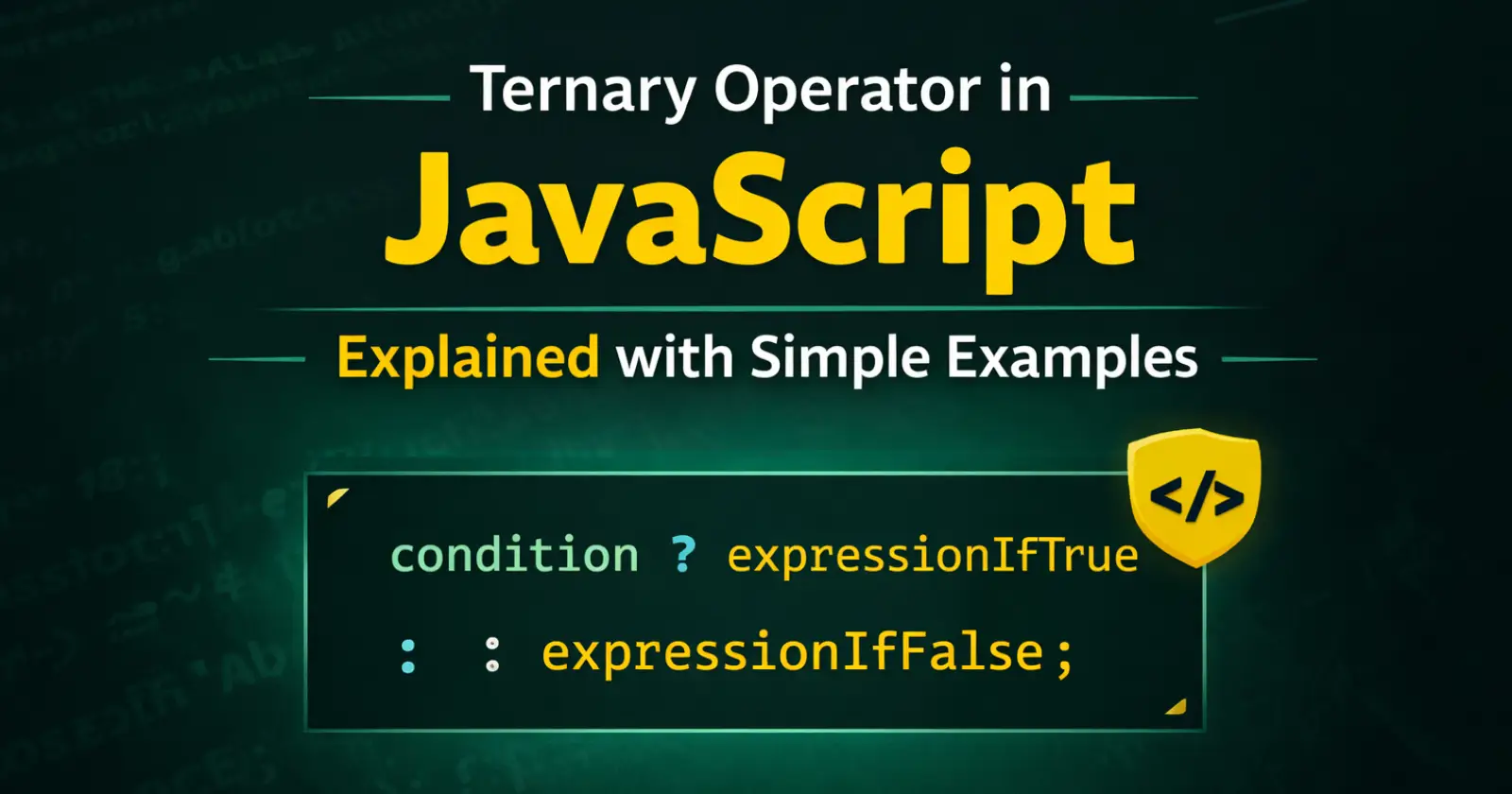
The Ternary Operator in JavaScript is a short and simple way to write conditional statements. Instead of writing a full if…else block, you can write the same logic in just one line. Therefore, many developers use it to make their code clean and readable in JavaScript.
In this guide, you will learn what the ternary operator is, how it works, its syntax, and when you should use it. In addition, you will see simple examples that make everything easy to understand.
What is the Ternary Operator in JavaScript?
The Ternary Operator in JavaScript is a special type of conditional operator that takes three operands. In fact, it is one of the most commonly used operators in JavaScript because it allows developers to write short and clean conditional statements. That is why we call it “ternary.” It checks a condition and returns one value if the condition is true and another value if the condition is false.
In simple words, it works like a short version of an if…else statement.
Syntax of Ternary Operator
Here is the basic syntax –
condition ? expressionIfTrue : expressionIfFalse;
Let’s understand this step by step.
- First, JavaScript will check the condition.
- If the condition is true, then it returns expressionIfTrue.
- However, if the condition is false, it returns expressionIfFalse.
Because of this structure, the ternary operator keeps your code compact.
Simple Example of Ternary Operator
Now let’s look at a basic example.
let age = 18;

let message = age >= 18 ? "You are an adult" : "You are a minor";

console.log(message);
In this example, JavaScript checks whether age is greater than or equal to 18. Since the condition is true, it returns “You are an adult.”
However, if the age were less than 18, it would return “You are a minor.”
As you can see, we wrote this logic in one line instead of using multiple lines.
Ternary Operator vs If…Else Statement
Now you may wonder when to use the ternary operator instead of if…else. Therefore, let’s compare both.
Using If…Else
let age = 18;
let message;

if (age >= 18) {
  message = "You are an adult";
} else {
  message = "You are a minor";
}
Using the Ternary Operator
let age = 18;
let message = age >= 18 ? "You are an adult" : "You are a minor";
Clearly, the ternary operator reduces code length. However, you should use it only when the condition is simple. If your logic becomes complex, then if…else is a better choice.
Practical Example – Checking Even or Odd Number By Using the Ternary Operator
Let’s take another practical example.
let number = 10;

let result = number % 2 === 0 ? "Even" : "Odd";

console.log(result);
Here, JavaScript checks whether the number is divisible by 2. If it is, it prints “Even.” Otherwise, it prints “Odd.”
This example shows how the ternary operator makes small checks very easy.
Using Ternary Operator Inside Functions
You can also use the ternary operator inside a function. For example –
function checkScore(score) {
  return score >= 50 ? "Pass" : "Fail";
}

console.log(checkScore(60));
In this case, the function returns “Pass” if the score is 50 or more. Otherwise, it returns “Fail.” Therefore, the ternary operator works perfectly for short return statements.
Nested Ternary Operator
Sometimes, developers use nested ternary operators. However, you should use them carefully because they can reduce readability.
Example:
let marks = 85;

let grade = marks >= 90 ? "A" :
            marks >= 75 ? "B" :
            marks >= 50 ? "C" : "Fail";

console.log(grade);
Although this works, it can become confusing if you add too many conditions. Therefore, avoid nesting too much.
Advantages of the Ternary Operator in JavaScript
The Ternary Operator in JavaScript offers several benefits.
- It reduces code length.
- It improves readability for simple conditions.
- It works well for quick return statements.
- It keeps variable assignments clean.
Because of these advantages, many developers prefer it for short conditions.
Let’s See When You Should Avoid the Ternary Operator
Even though the ternary operator is powerful, you should avoid it in some cases.
- When the condition is complex.
- When you need multiple statements inside each block.
- When readability becomes difficult.
- When you are working in a team, clarity matters more than short code.
In such situations, a regular if…else statement is better.
Common Mistakes to Avoid
Many beginners make small mistakes while using the ternary operator. Therefore, keep these points in mind:
- Do not forget the colon :
- Do not write multiple statements without wrapping them properly.
- Do not overuse nested ternary operators.
- Always keep the condition clear and simple.
If you follow these tips, your code will remain clean and professional.
Final Thoughts
The Ternary Operator in JavaScript helps you write shorter and cleaner conditional statements. Instead of using a full if…else block, you can write simple conditions in one line. However, you should use it wisely and avoid making your code confusing.
In the end, the ternary operator works best for small and simple checks. Therefore, practice using it in small examples first. Once you feel comfortable, you can use it confidently in real projects.
Read Also – Switch Case in JavaScript
