


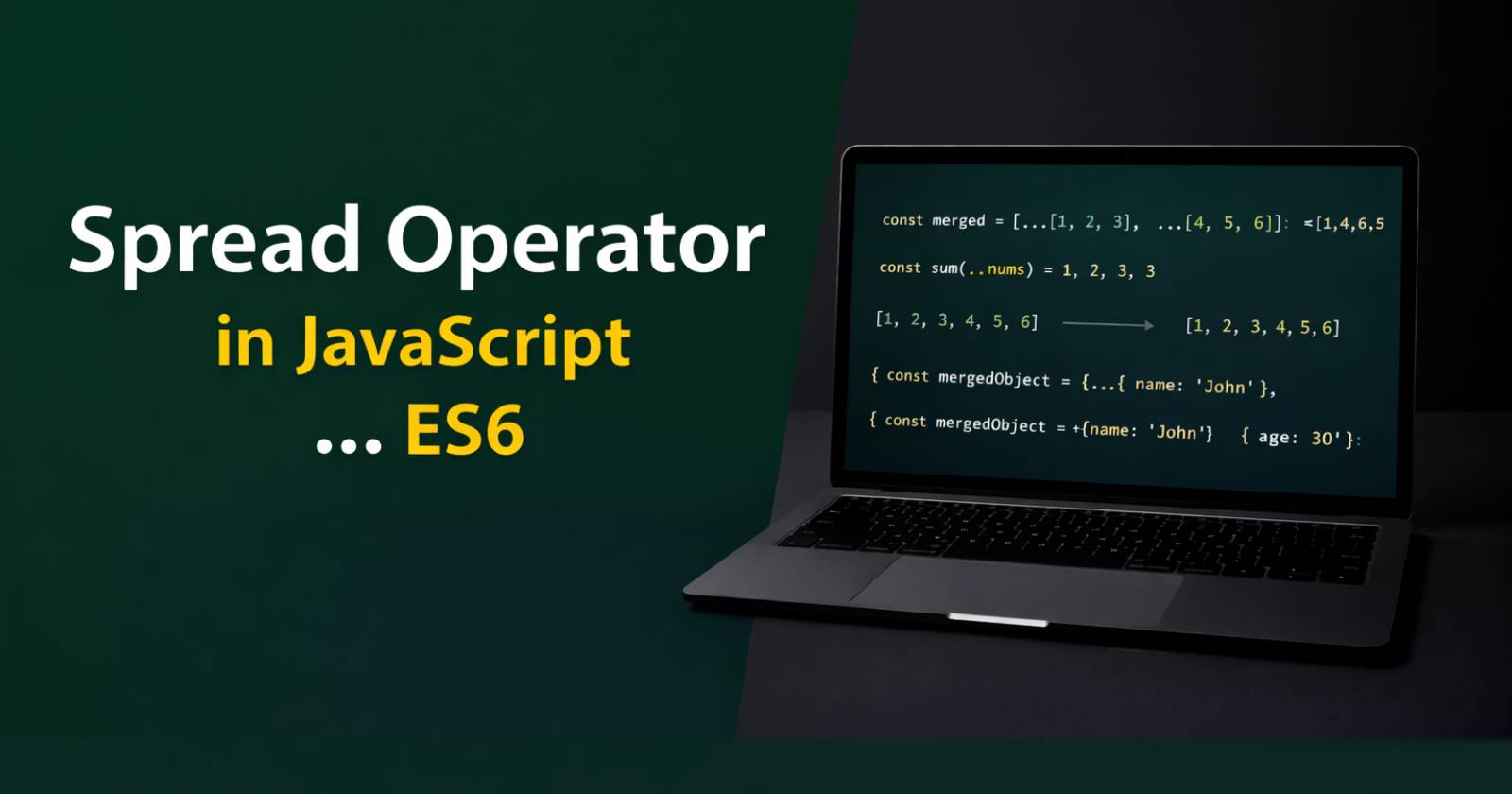
Today’s JavaScript developers use many modern features to write clean and powerful code. Among those features, the spread operator in JavaScript stands out as one of the most useful additions in ES6 JavaScript. Because it allows you to expand arrays, objects, and iterables easily, you can write shorter and more readable code in your projects.
In this guide, you will learn what the spread operator does, how it works, and how you can use it with real examples in JS.
What is the Spread Operator in JavaScript?
The spread operator uses three dots (…) to expand elements of an iterable like an array, string, or object. In simple words, it “spreads” values out instead of keeping them grouped together.
For example, if you have an array, the spread operator lets you access each value individually. As a result, you can copy, merge, or pass values more efficiently.
Here is the basic syntax –
...iterable
Now let’s understand this, how it works in real situations.
Using Spread Operator with Arrays
Developers mostly use the spread operator with arrays when they work in real projects. Because arrays store multiple values, spreading them helps in many practical tasks.
1- Copy an Array
Sometimes you want to copy an array without changing the original array. In that case, the spread operator gives you a clean solution. Let’s See-
const numbers = [1, 2, 3];
const copyNumbers = [...numbers];

console.log(copyNumbers); // Output [1, 2, 3]
Here, the spread operator copies each value from numbers into copyNumbers. Therefore, if you modify the copied array later, the original array stays safe.
2- Merge Two Arrays
Earlier, developers used the concat() method to merge arrays. However, the spread operator makes the process simpler and more readable for this.
Example –
const arr1 = [1, 2];
const arr2 = [3, 4];

const mergedArray = [...arr1, ...arr2];

console.log(mergedArray); //Output [1, 2, 3, 4]
Because the spread operator expands both arrays, JavaScript places all values into a new array. As a result, you get a merged array without modifying the originals.
3- Adding Elements to an Array
You can also add new elements while copying an array. This method works well in modern JavaScript applications like ReactJS.
Example –
const fruits = ["apple", "banana"];
const updatedFruits = [...fruits, "orange"];

console.log(updatedFruits); // Output ["apple", "banana", "orange"]
Here, JavaScript first spreads the existing elements and then adds the new value. Therefore, you create a new array without changing the old one.
Using Spread Operator with Functions
The spread operator also works perfectly when passing arguments to a function in JavaScript. Because some functions expect separate arguments, you can spread an array directly into them.
function sum(a, b, c) {
  return a + b + c;
}
const numbers = [10, 20, 30];
console.log(sum(...numbers)); // 60
Here, the spread operator expands the array into individual values. As a result, the function receives three separate arguments instead of one array.
Using Spread Operator with Objects
ES6 JavaScript also allows you to use the spread operator with objects. Therefore, you can clone and merge objects easily.
1- Clone an Object
If you want to create a copy of an object, you can use the spread operator Like this –
const user = {
  name: "John",
  age: 25
};
const newUser = { ...user };
console.log(newUser);
Because JavaScript spreads all properties into a new object, you get a separate copy. However, remember that this method creates a shallow copy.
2- Merge Multiple Objects
You can also combine multiple objects into one. This approach helps when you want to update object properties.
const obj1 = { name: "John" };
const obj2 = { age: 25 };

const mergedObject = { ...obj1, ...obj2 };

console.log(mergedObject);
// { name: "John", age: 25 }
Here, JavaScript spreads properties from both objects into a new one. Therefore, the final object contains all properties together.
3- Override Object Properties
If two objects have the same property name, the last value overrides the previous one. Because JavaScript reads from left to right, it replaces earlier values.
const user = { name: "John", age: 20 };
const updatedUser = { ...user, age: 30 };

console.log(updatedUser);
// { name: "John", age: 30 }
Here, the age property changes to 30. As a result, you can update values easily without modifying the original object.
Using Spread Operator with Strings
The spread operator also works with strings because strings are iterable. So let’s see how it works with strings –
Example –
const word = "Hello";
const letters = [...word];

console.log(letters);
// ["H", "e", "l", "l", "o"]
Here, JavaScript spreads each character into an array. Therefore, you can manipulate characters more easily.
Spread Operator vs Rest Operator
Although both operators use three dots (…), they work differently. The spread operator expands values, whereas the rest operator collects multiple values into one variable.
For example:
function add(...numbers) {
  return numbers.reduce((total, num) => total + num, 0);
}

console.log(add(1, 2, 3, 4)); // 10
Here, the function collects all arguments into an array. Therefore, this example shows the rest operator instead of the spread operator.
Important Note-
You should remember that the spread operator creates a shallow copy. Because of that, nested objects still share references.
const original = {
  name: "John",
  address: { city: "New York" }
};

const copy = { ...original };

copy.address.city = "Los Angeles";

console.log(original.address.city);
// "Los Angeles"
Here, changing the nested object affects the original one. Therefore, you should use deep copy techniques when working with complex data.
Why Developers Prefer the Spread Operator in JavaScript
Developers prefer the spread operator because it improves readability and reduces code complexity in projects. Moreover, it avoids direct mutation, which makes applications more predictable.
In addition, modern frameworks like React encourage immutable patterns. Therefore, the spread operator becomes extremely useful in real-world projects.
Wrapping it Up
The spread operator in JavaScript gives you a simple and powerful way to expand arrays, objects, and strings in ES6 JavaScript, which was introduced in 2015. Because it reduces code complexity and improves readability, developers use it in almost every modern JavaScript project.
You can copy arrays, merge objects, pass arguments to functions, and even split strings easily. However, you should always remember that it creates shallow copies.
Now that you understand how the spread operator works, you can confidently use it in your ES6 projects and write cleaner JavaScript code.
Read Also –
1- Ternary Operator in JavaScript
2- Operators in JavaScript

1 Comment
For the reason that the admin of this site is working, no uncertainty very quickly it will be renowned, due to its quality contents.