


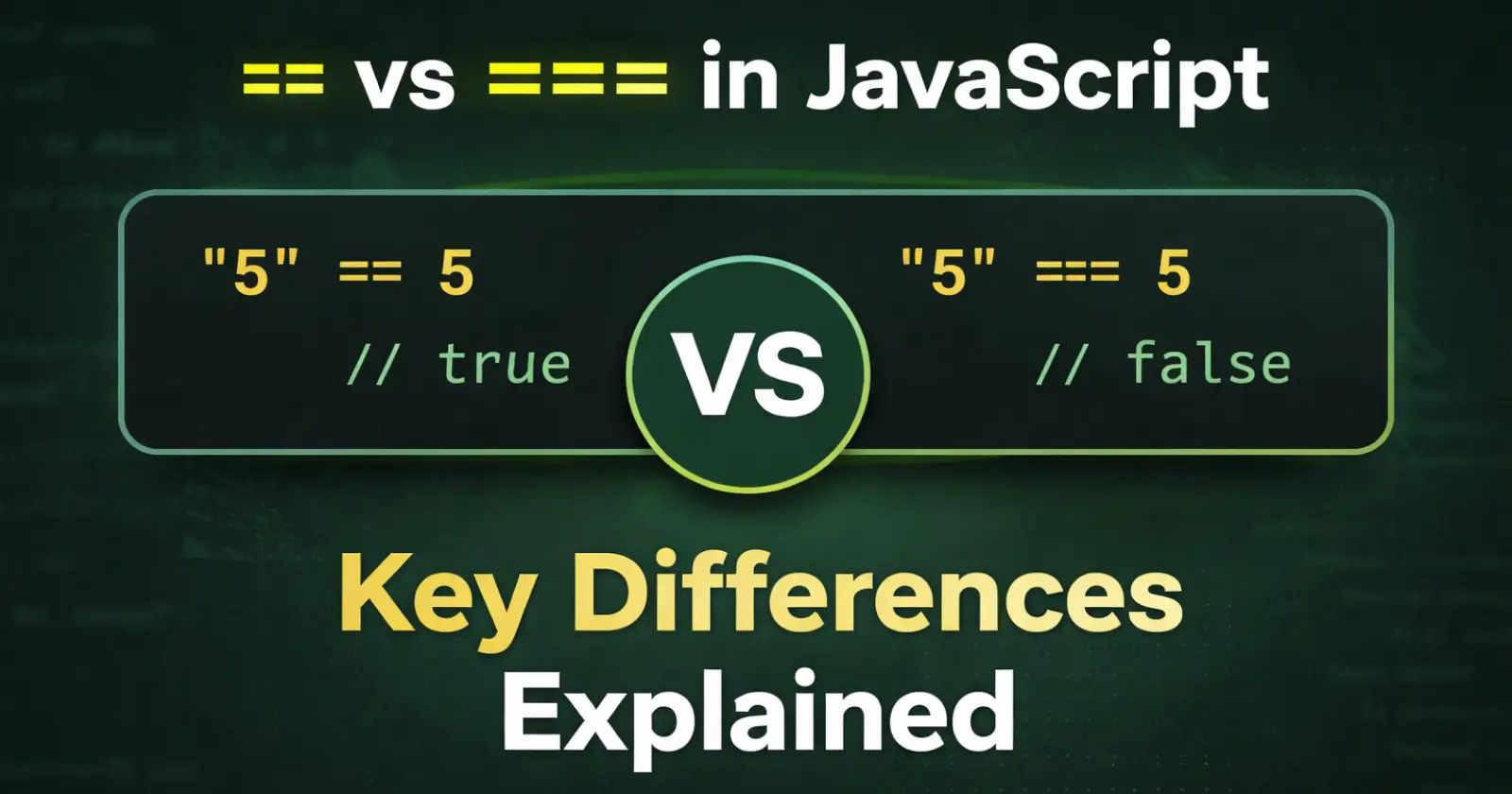
When you start learning JavaScript, you quickly come across two operators == and ===. At first, they look almost the same, and many beginners think they work in the same way. But once you start using them in real code, you realize that they can give very different results, which means they are not the same.
This is where most confusion happens.
Sometimes your code works fine with ==, but then suddenly it behaves in a strange way. That’s because JavaScript automatically changes data types in some cases, and not everyone notices it at first.
So in this article, we will break things down in a very simple way. You will understand what == and === actually do, how they are different, and when you should use each one – with clear examples that make everything easy to follow.
What is == in JavaScript?
== is called the loose equality operator. It compares two values. But before comparing, it changes the type automatically.
This means JavaScript tries to make both values the same type.
For Example –
let a = "10";
let b = 10;

console.log(a == b); // true
👉 Let’s see what happens here –
- “10” is a string
- 10 is a number
- JavaScript converts “10” into number
- Now it becomes 10 == 10
- So the result is true
Simple Understanding –
You can think like this –
== says: “I don’t care about type, I just want values to match.”
What is === in JavaScript?
=== is called the strict equality operator.
It compares –
- Value
- AND type
And it does not convert anything.
For Example –
let a = "10";
let b = 10;

console.log(a === b); // false
👉 Let’s see Here what happens –
- “10” is a string
- 10 is a number
- Types are different
- So the result is false
Simple Understanding
=== says: “Value and type both must be the same.”
Key Difference Between == and ===
| Feature | == | === |
| Type conversion | Yes | No |
| Checks | Only value | Value + type |
| Result | Can be confusing | Clear and safe |
More Examples (Very Important)
Example 1 –
console.log(true == 1);  // true
console.log(true === 1); // false
Because:
- true becomes 1 in ==
- But type is different in ===
Example 2-
console.log(0 == false);  // true
console.log(0 === false); // false
Same logic:
- == converts
- === does not
Example 3 –
console.log(null == undefined);  // true
console.log(null === undefined); // false
Special case:
- == treats them equally
- === sees different types
When Should You Use ==?
Honestly, very rarely. You can use it when –
- You want to check both null and undefined.
if(value == null){
   console.log("Value is empty");
}
When Should You Use ===?
Most of the time, always use ===
Because:
- It gives clear results
- No hidden conversion
- Less chance of bugs
Best Practice
👉 Simple rule – Always use === unless you have a strong reason to use ==
Quick Recap
- == → compares values after conversion
- === → compares value + type
- === is safer
- == can confuse you sometimes
Bottom Line
So, in simple words, == and === are not the same. == changes values before comparing, which can sometimes confuse you. On the other hand, === checks everything properly without changing anything.
That’s why most developers prefer ===. It keeps your code clear and avoids unexpected results.
FAQs
1. What is the main difference between == and ===?
== converts types, but === checks both value and type.
2. Which one should I use?
Use === in most cases.
3. Why does == give strange results?
Because it changes types before comparing.
Read Also – Operators in JavaScript
