


For modern travelers and business professionals, staying connected while traveling is very important. But iPhone roaming and its costs can sometimes be confusing and lead to unexpected charges.
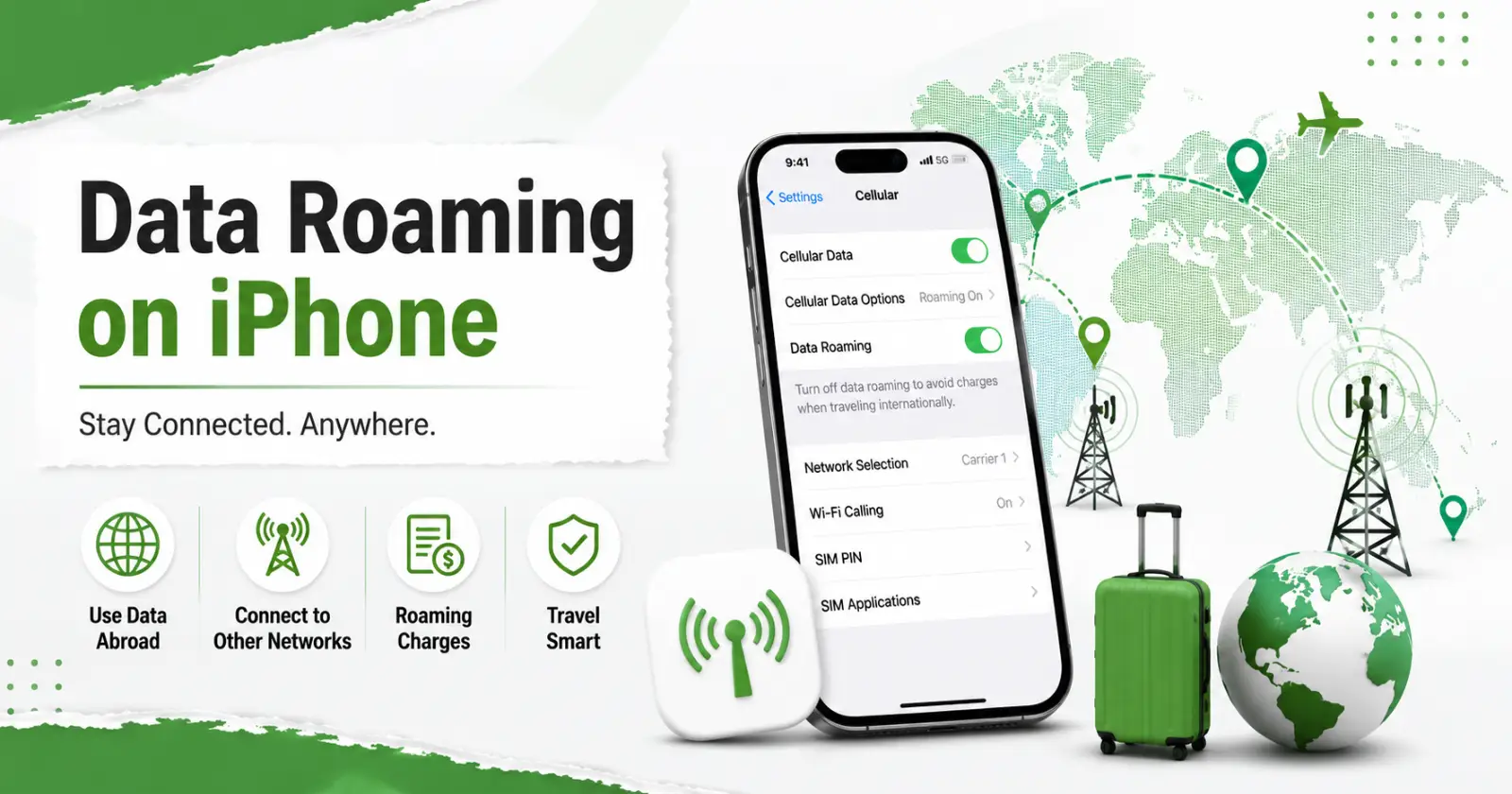
The concept of what is data roaming on iPhone refers to using mobile data on networks outside your carrier’s home network when traveling. This blog explains what data roaming is, how it works on an iPhone and how to avoid extra charges while staying connected.
Data Roaming on iPhone
Roaming on an iPhone occurs when your phone is used beyond the coverage of your home mobile network. It is common for an iPhone to connect to a new network when you go out of your usual network coverage. It allows your iPhone to connect to a partner network, so you can continue making calls, sending messages, and using mobile data when your carrier’s network is unavailable.
Depending on your carrier and plan, roaming services may be subject to additional charges. When your iPhone is roaming, you have to pay for making calls, sending texts, and using the internet. This is because your home network pays the other network for providing services to you.
Read Also – How to Reset Network Settings on iPhone
Types of Data Roaming
Roaming does not mean crossing borders. It can happen within the country. The distinction lies in the network where your phone connects and how your operator manages such a connection.
- Domestic Data Roaming – It occurs when you use another network rather than a home network within the country. This can happen in places where your service provider lacks coverage. Then, it uses towers from another company to keep you connected.
- International Data Roaming – This type of roaming occurs when your phone connects to a network tower from a different carrier while traveling internationally. It is expensive unless your plan includes international roaming.
How Data Roaming Works on iOS Devices
Data roaming happens automatically in the background.
- Automatic Network Connection: When your home network is unavailable, your phone automatically connects to a partner network. This transition happens without your knowledge.
- Using Data on Another Network: After connecting, the phone works normally. You can make calls, browse the internet, and stream videos. Internet speed and data allowances may change based on your plan while connected to a different network.
- Tracking and Billing: Your data usage on a foreign network is recorded by the local carrier and shared with your home network. Charges are then applied based on your roaming plan.
Importance of Data Roaming Services
Data roaming is beneficial when connectivity is needed instantly. It provides immediate connectivity. Your mobile phone can automatically connect to a roaming network without requiring manual setup.
It uses the same mobile number since there is no need to replace the SIM cards. It is ideal in situations where quickness is necessary, such as getting maps, messaging, booking rides, or checking important emails.
Data roaming is possible in many countries because partner networks provide coverage almost everywhere. It is a great option for short trips and layovers when WiFi is not available.
Read Also – How to Tell if Someone Has Blocked You on iPhone
Ways to Avoid High Data Roaming Charges
To stay connected without spending too much, try these tips.
- Buy an International Roaming Plan – Many mobile companies offer travel plans with a fixed amount of data at lower prices.
- Use Wi-Fi whenever you can – Use available Wifi networks at airports, hotels, cafes, and other places.
- Turn Off Background App Refresh – This stops apps from using mobile data in the background while you are roaming.
- Download Maps Offline – Download maps to your phone so you can get directions without an internet connection.
- Check Your Data Usage – Go to Settings on your iPhone. Then, tap Cellular to view how much mobile data each app has used.
Final Thoughts
Data roaming is an important feature that keeps your iPhone connected when you are outside of your carrier’s normal coverage zone. Understanding what is data roaming on iPhone can help you stay connected while traveling and better manage any roaming charges from your carrier.
It also ensures your phone stays connected reliably for calls, messages and the internet during travel. Prior to your upcoming trip, you need to look into the policies of your carrier regarding roaming and available plans. Then, configure your iPhone settings to match your travel needs.
Read Also – Do Messages Deliver When A Phone Is Dead?
