



Real estate photography has changed a lot in the last few years. What used to take hours in Photoshop can now be done in minutes with AI. Whether you’re removing unwanted objects, improving lighting, replacing skies, or creating marketing visuals for a listing, the right AI tool can save a huge amount of time.
The good news is that there are plenty of options available. The challenge is finding one that actually fits your workflow.
In this guide, we’re looking at three of the best AI tools for real estate photography in 2026: Krea.ai, Adobe Firefly, and Luminar Neo. Each one approaches AI editing a little differently, so the best choice depends on what you’re trying to achieve.
What Makes a Good AI Tool for Real Estate Photography?
Not every AI image tool is designed with photographers in mind.
For real estate work, you’ll usually want something that can improve image quality, remove distractions, enhance lighting, edit backgrounds, and create realistic results without making the property look unnatural.
Ease of use also matters. If you’re editing dozens of listing photos every week, a simple workflow can save just as much time as the AI itself.
With that in mind, here are three tools worth considering.
1. Krea.ai
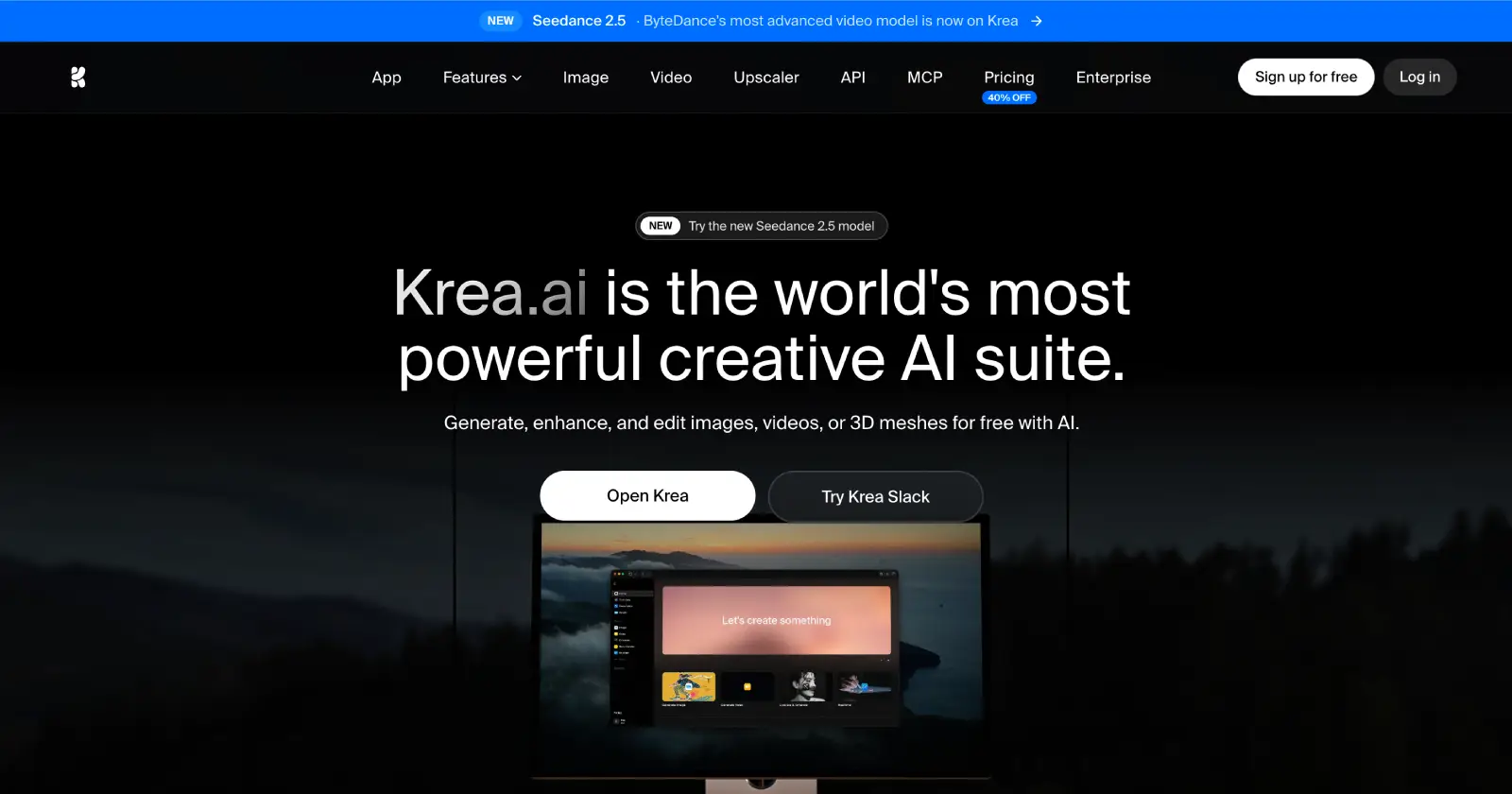
Looking for an AI tool that gives you plenty of creative control while staying easy to use? Krea.ai is one of the best options available.
Although it isn’t built exclusively for real estate photography, it works surprisingly well for property marketing. You can enhance listing photos, remove distractions, improve image quality, experiment with different lighting styles, and even generate entirely new marketing visuals from text prompts or reference images.
One thing that stands out is how many tools are included in a single platform. Alongside AI image generation, Krea also offers image editing, upscaling, background editing, object removal, motion transfer, video generation, and 3D tools. That means you can handle most of your creative work without jumping between different apps.
Another advantage is flexibility. Instead of relying on a single AI model, Krea gives you access to more than 64 models – including its own Krea 2 model as well as Flux, Gemini, Ideogram, Runway, Luma, and Veo 3.1 – all from the same interface. This makes it easy to compare results and choose the one that works best for your property photos.
For photographers working with high-resolution images, Krea also supports native 4K image generation and AI upscaling up to 22K resolution. The interface is refreshingly simple, so even if you’re new to AI editing, it’s easy to get started.
➤ Pros
- All-in-one AI creative suite
- Excellent image enhancement and upscaling
- Supports reference images for consistent edits
- Access to 64+ AI models in one subscription
- Very easy to learn
➤ Cons
- Some advanced features require a paid plan
Best for: Real estate photographers and marketing teams that want one AI platform for editing, enhancing, and creating listing visuals.
2. Adobe Firefly
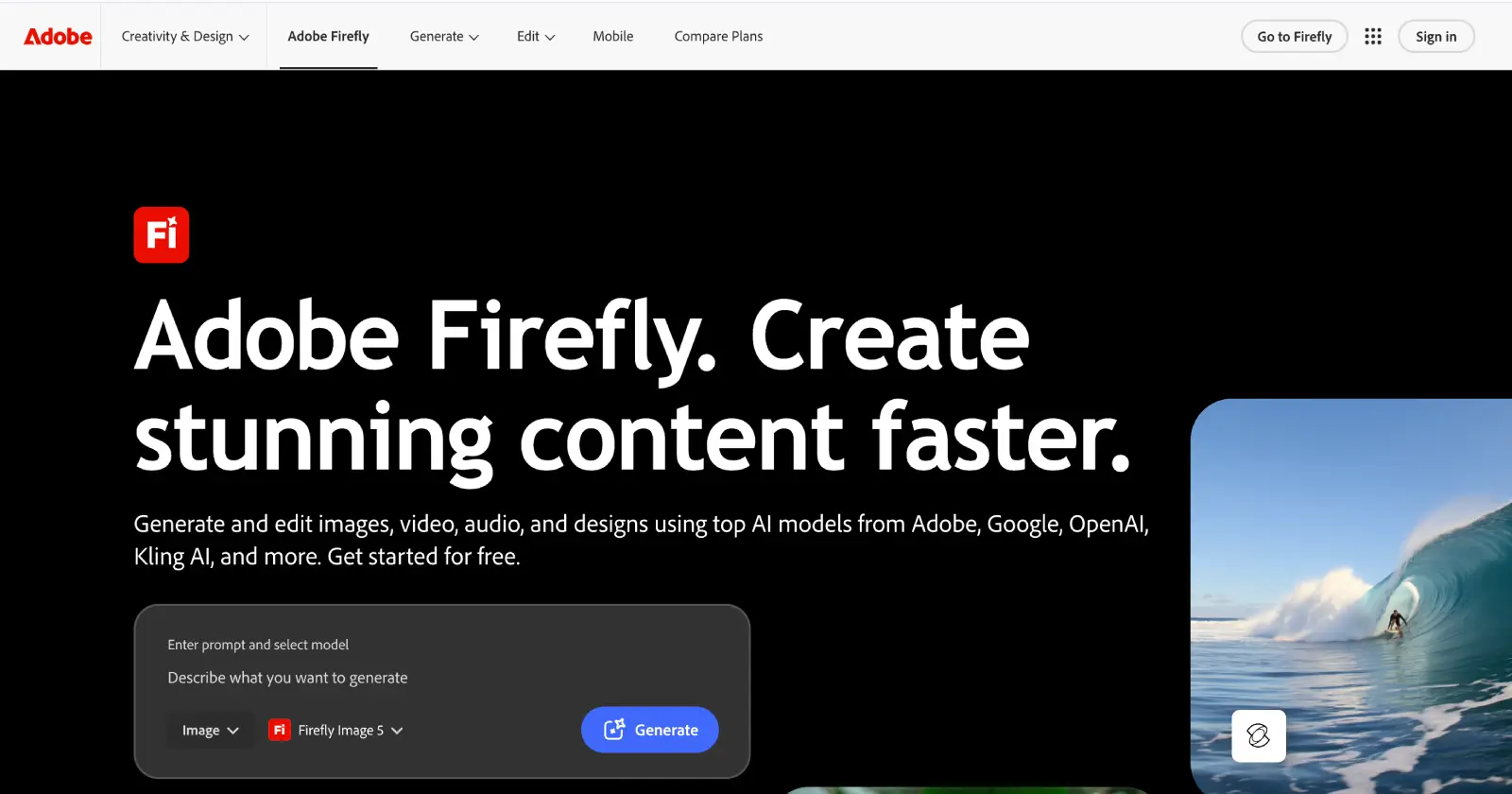
If you already use Photoshop or other Adobe apps, Adobe Firefly is an easy recommendation.
Its biggest advantage is how naturally it fits into an existing editing workflow. Instead of switching between different programs, you can use AI features like Generative Fill, object removal, background replacement, and image expansion directly inside Photoshop.
For real estate photography, this can save a lot of time. Removing power lines, cleaning up gardens, extending a room, or replacing a dull sky can often be done with just a few clicks.
Firefly is probably less about creating completely new images and more about making existing property photos look their best while keeping them realistic.
➤ Pros
- Excellent Photoshop integration
- Great object removal and Generative Fill
- Easy for existing Adobe users
- Produces realistic edits
➤ Cons
- Works best if you’re already in the Adobe ecosystem
- Requires a Creative Cloud subscription for the full experience
Best for: Photographers who already edit property photos in Photoshop.
3. Luminar Neo
If your main goal is improving real estate photos rather than generating new ones, Luminar Neo is definitely worth a look.
Unlike many AI tools that focus on image generation, Luminar Neo is built around photo editing. It includes AI-powered tools for enhancing lighting, improving detail, removing unwanted objects, replacing skies, and making quick adjustments that would normally take much longer by hand.
One thing many photographers like is that the edits generally stay natural. Instead of dramatically changing the image, Luminar Neo focuses on making good photos look even better, which is especially important for real estate listings where accuracy matters.
It’s also much easier to learn than traditional editing software, making it a good option if you want professional-looking results without spending hours editing every photo.

➤ Pros
- Designed specifically for photo editing
- Strong AI enhancement tools
- Easy to use
- Natural-looking results
➤ Cons
- Less focused on AI image generation
- Fewer creative AI features than Krea.ai
Best for: Real estate photographers who want fast, high-quality photo editing.
Conclusion
AI isn’t replacing real estate photographers, but it’s making their work much faster.
Whether you’re editing listing photos, removing distractions, improving image quality, or creating marketing visuals, the right AI tool can save hours every week.
If you’re looking for the most complete solution, Krea.ai is our top pick. Its combination of image generation, editing, enhancement, and access to dozens of leading AI models makes it one of the most versatile tools available today.
That said, Adobe Firefly and Luminar Neo are both excellent choices depending on your workflow, so it’s worth thinking about how you edit your photos before deciding which one is the best fit.
Read Also – Vector vs Raster – What’s the Difference?
