


Visitors who arrive on your site for the first time are considered cold traffic. They have not heard of you or your brand before and are not aware of what you have to offer. It is unlikely that these first-time visitors will convert into customers right away.
Your goal with cold traffic should be to build a relationship with them. To move them from cold to warm traffic and eventually converts them into customers. To do this, you need to engage them at various levels and build trust over time.
However, many websites fail to engage cold traffic effectively. They immediately hit them with a pop-up, pushy sales pitch, or discount offer before the visitor even has a chance to read more than a sentence. That’s not a targeting problem. It’s a sequencing problem. Cold traffic needs a layered approach, where each stage earns a bit more trust before asking for a bit more attention.
Why Cold Traffic Fails on a Single-Layer Approach
A new arrival who is not familiar with your brand will decide whether to stay or leave almost immediately. According to Nielsen Norman Group research, users tend to make this decision within 10-20 seconds after arriving on a page. A page with an immediate, clear value proposition retains attention for much longer than a page with a less clear value proposition. So, bounce rate determines the early fate of your campaign.
If you try to sell at this stage, you lose. If you try to convert emotionally engaged fans (which don’t exist yet) into customers, you will also lose because cold traffic is not emotionally engaged. You are going to give them all the feels, but not yet. The solution is a structure that assumes nothing about the user’s intent and asks for very little in return: scroll or swipe, see, touch. This one click lets you know that your visitor is still in the building.
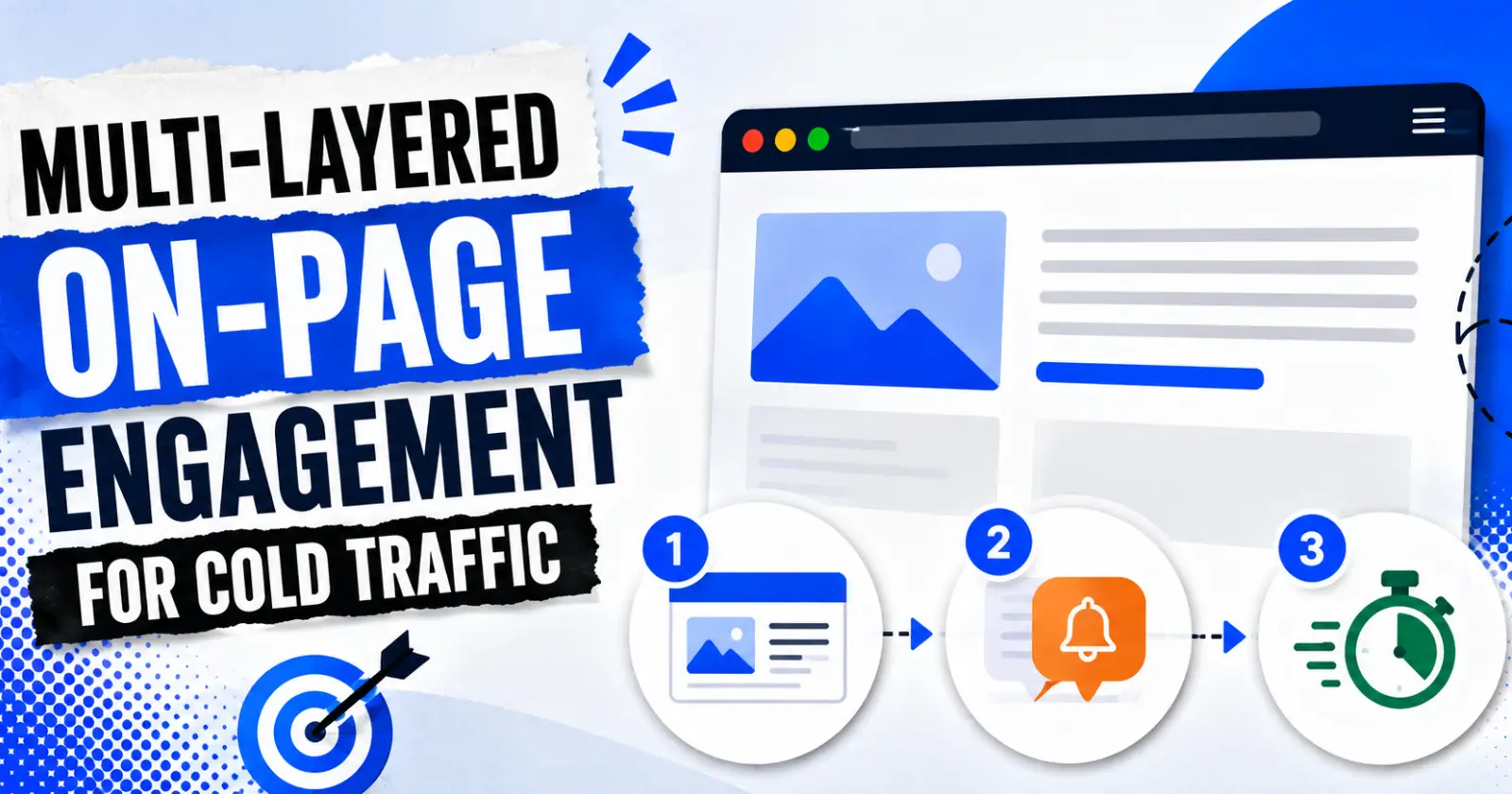
This is where the multi-layered approach shows its value. Instead of swinging for the conversion rate fences, aim to have three easy-to-understand layers. Each of them has a job to do, a trigger to look out for, a key metric to report on.
Layer One – The Above-the-Fold Decision Window
The top section of your landing page needs to do the heavy lifting. It’s got to tell your entire story in the six seconds you have to grab enough attention to keep someone around for fifteen seconds.
This is the hardest and most important part. There’s a reason “above the fold” is a saying. This is the probably-visible-without-scrolling layer of your site, back when people still thought about “the fold” as though it were an iron curtain separating success from failure.
The first layer has to work in the first five seconds, before scroll, before click, before any behavioral signal exists. This is pure hero-section work: a headline that states the value proposition without throat-clearing, and visual hierarchy that tells the eye where to go first.
Native ads and content-match units belong here if you’re monetizing early, because they blend into the page rather than interrupting it. A cold visitor who hasn’t decided to trust you yet is far more likely to click something that looks like content than something that looks like an ad. This isn’t about disguising anything – it’s about matching the intrusiveness of the format to the trust level of the visitor.
Skip interstitials, popups, and anything that blocks the content at this stage. You haven’t earned the right to interrupt yet. All you’ve earned is the chance to be read.
Layer Two – Scroll-Triggered Mid-Session Engagement
Once a visitor scrolls past 25-50% of the page, something important has happened: they’ve made a second decision to stay. That’s your signal to introduce the second layer, and it’s also where format choice matters most.
This is the natural point to bring in an ads notification, a nudge-style unit that sits between the passivity of native ads and the disruption of an interstitial. It doesn’t take over the screen. It doesn’t reset the visitor’s reading position. This shows up as a small, dismissible prompt that re-engages attention without breaking the session.
On-page notifications work particularly well on utility pages, pricing pages, or anything action-oriented, where a visitor scrolling further is already signaling some intent. On purely informational content, a content-match unit is often the better fit, since it keeps the tone consistent with what the visitor came to read. Matching format to content type isn’t a nice-to-have here. It’s the difference between a nudge that feels helpful and one that feels like an ambush.
The scroll-depth trigger itself deserves attention too. A 25% threshold catches visitors early but risks firing before they’ve formed any opinion of the page. A 50% threshold waits longer, which usually means a warmer visitor but a smaller audience that reaches the trigger at all. There’s no universal right answer – it depends on average page length and typical reading behavior, which is exactly why this layer gets tested rather than set once and forgotten.
Layer Three – Time-and-Behavior Triggers For High-Impact Formats
Hold the most disruptive formats – interstitials especially – until you know for sure that the visitor is truly engaged. Ideally, this means 10+ seconds on page, or exit intent. Never fire them on page load.
It’s a strict sequencing rule, and it’s the one most sites break first. The interstitial firing the moment someone lands is brutal – it feels like a bait-and-switch, because the visitor hasn’t read anything yet. They’ve just been interrupted before they had the chance to. Delay it past the point where dwell time confirms genuine interest, and the same format performs completely differently.
Exit intent is the other main trigger for this layer. A visitor moving their cursor toward the tab bar or the back button has already decided to leave. You may as well show them something high-impact because they’re your equivalent of an exiting employee. It’s the one moment in the session where disruption doesn’t cost you anything, because the alternative is losing the visitor.
Frequency Capping Keeps the Whole Stack From Collapsing
All these strategies will be ineffective if a visitor is shown three ad units on the same visit. For cold traffic, impressions should be limited to one or two per session. This isn’t just a minor technical setting – it’s what keeps the multi-layered approach from being perceived as a bait-and-switch.
If a visitor is presented with a native ad, then 30 seconds later a notification, then immediately an interstitial, they don’t experience three well-thought-out layers. They get bombarded by three ads in a row. The layering concept only works if each layer respects that the visitor has a limited tolerance for interruption, and that tolerance resets slowly, not instantly.
CPM or PPC? If using a cold-traffic cap of 1-2 impressions, the viewability and CTR quality are more valuable than total impressions because you are often getting one impression and done in this visit. Therefore, ad network selection and cold-traffic format selection are different if you are using CPM/PPC specifically for cold traffic with a session cap of 1-2 impressions.
Turning Micro-Engagements Into Retargeting Fuel
Each interaction is valuable, not just a final goal completion. For instance, a click on a native unit, a close or click on an on-page notification, or a scroll past 50% of the page before the interstitial fires – these are all things that you can track as lifting intent and provide microguidance of what to do next.
You use those in your remarketing segments. A cold visitor who clicks a notification but does not convert is an order-of-magnitude better retargeting pool than a user who bounces in three seconds: the latter has essentially conveyed no interest whatsoever, and the former has. If your follow-up campaign treats these two visitors identically, you’ve largely wasted the effort to layer in the extra touchpoint to begin with.
This is the step of the strategy that is easy to undervalue or overlook completely – because the immediacy benefit isn’t seen in the same session with the same user. But an on-page notification is not valuable just for the click it delivers today – equally, or more so, it’s valuable for the improved quality of the user pool for the campaign which launches next week.
Measuring Whether the Layers Actually Work
Click-through rate (CTR) is not sufficient to determine the effectiveness of a layer. For example, a notification could have a high CTR but at the same time be reducing global dwell time and scroll depth on your site, so this notification is generating a single visit that’s worth even less than the click you traded for it.
When you see a sudden decline in scroll depth after a new mid-session layer, that implies the format is creating a serious source of friction, not a complement. Equally, if dwell time holds steady or improves, your mid-session format is doing its job without costing you the session. Ignored ads can be dangerous in a different way – especially in view of CTR – as giving you a nice-looking number that doesn’t match reality at all.
Why Small Timing Changes Produce Big Results
Testing when triggers are activated may seem like a small detail to work on, but the impact this can have is often greater than testing creative or copy. For example, delaying a notification by 200 milliseconds, or changing the scroll rate that triggers it by 10%, can impact CTR and bounce rate more than an overhaul of the ad unit.
This is because the timing of triggers interacts with the user’s state of mind. A notification appearing too early reaches the user before they have made their decision about the page. That same notification, delayed, appears after the decision has already tipped towards “stay”. Test for when triggers should appear and don’t just use the default settings provided by your ad network.
Cold traffic is not just less interested warm traffic. It is a different problem with a different definition of success. Build the stack to earn attention in stages, respect the visitor’s patience with strict frequency limits, and let every small click become the seed of a campaign that actually converts later.
Read Also – Tiny URL – What It Is, How to Create & Use Short Links
