


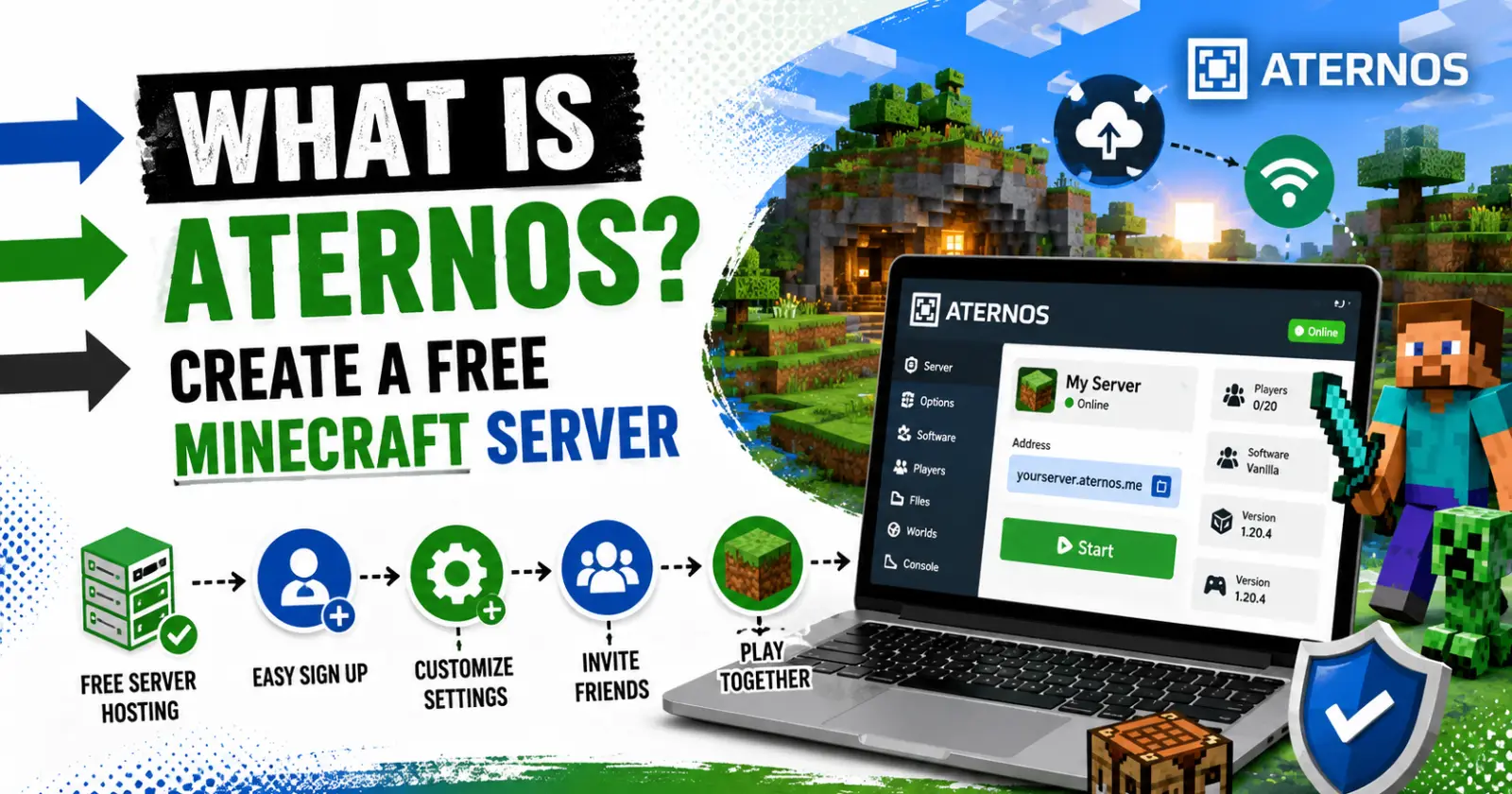
Looking for a free Minecraft server to play with your friends? Then Aternos is the ultimate platform for you.
Aternos is a popular free Minecraft server hosting platform where users can explore, build, and survive on their own servers. With its easy access, every new beginner can create and manage multiplayer servers without any fees.
With a simple process, you can create multiplayer servers and customize your gameplay. Let’s go through the blog to explore what Aternos actually is and provide simple step-by-step guidance to create a free Minecraft server.
What is Aternos?
Aternos is a free Minecraft server hosting platform that allows users to create a private server without any payment. With its free access, you can process in a web browser and invite your friends to play Minecraft.
Unlike the traditional running server on your computer or desktop, Aternos can easily handle the hosting side for players. Therefore, they don’t need to worry about port forwarding, server files, or keeping the PC online all the time.
They can move to the next files or pages without any delays in processing. Its beginner-friendly design supports both Minecraft Java and Bedrock editions for smooth server access. With its instant server support, you can create a survival world or small community for multiplayer.
What Pushes People To Use Aternos
Many players use Aternos over other servers for several reasons. Here they are.
- One of the main reasons for players to use Aternos is its free access.
- Players can follow the simple guidance and easily use and create their survival world in Minecraft.
- They can share their server with the multiplayer community in the game.
- It gives quick entry access for students, friends, and small gaming groups without any issues.
- The player can manage the server from a dashboard and easily make changes to the settings and share the server address with others.
- The idle server often shuts down automatically when no players are available online.
However, one of the drawbacks is that Aternos is not a premium hosting platform, so the player may face waiting times when they start a server.
Steps To Follow Before Creating A Server
Here is simple guidance for players to follow before starting the server in Aternos.
- Before creating a server, check your browser’s network connectivity and make a free Aternos account.
- Even without any technical knowledge, players can sign up for an account using their username and password.
- Select which edition of Minecraft you want to play, as the server and game version must match for players to connect properly.
- When you share the server link with your friends and other players, make sure they use the same Minecraft server version for smooth playtime.
- These clear pre-steps help players to avoid connection errors and keep the setup simple.
How To Create a Free Minecraft Server
Here is the step-by-step guidance for players and students to create a free Minecraft server online.
- Open the official Aternos website.
- Fill in the email ID details and create a free account.
- After logging in to Aternos, click the options to create a new server.
- Choose which edition of the Minecraft game is supported on your device.
- Then create a server name and confirm the setup for you and your friends.
- After creating the server, go to the dashboard and press Start to begin the game.
- When the server is online, players can copy the server address from the page and add the address in Minecraft.
- It allows multiple players to join the world.
Setting Options That Players Can Change
The Aternos is designed with simple setting features that players can adjust for their convenience. Here they are.
- Players can adjust the game mode, difficulty levels, player slots, and Minecraft version of the game from the dashboard.
- They can add extra features to the server by choosing different software.
- Its flexible setting gives beginners the confidence to start their game and change the world as they learn.
Benefits Of Using Aternos Over Others
Here are the pro benefits of using Aternos for the Minecraft server.
- After the server starts, you can easily share the address with your friends for games.
- Its free server hosting allows players to explore Minecraft without spending a penny.
- Once the player joins online, they don’t need extra software layers to support the game.
- It gives easy options for hosting a Minecraft world without spending money.
Limitations
Though Aterno’s platform offers free access and flexible control options, it also comes with limitations.
- It automatically shuts down when no players are online. Therefore, it is not highly suitable for always-on gameplay.
- The server start-up takes time as the service is busy.
- Despite its slow-running servers, Aternos remains a practical option for casual play.
Final Words
Aternos is a simple yet practical server hosting platform for Minecraft games. Though the startup server takes time, it works flexibly for beginners. To further improve gameplay performance and graphics, many players also use OptiFine for Minecraft alongside their Aternos server for a smoother gaming experience.
It especially works well for small groups that want quick multiplayer fun without dealing with technical setup. By following the simple guidance, they can sign up, create the server, and join Minecraft.
Read Also – Jojoy Minecraft
