


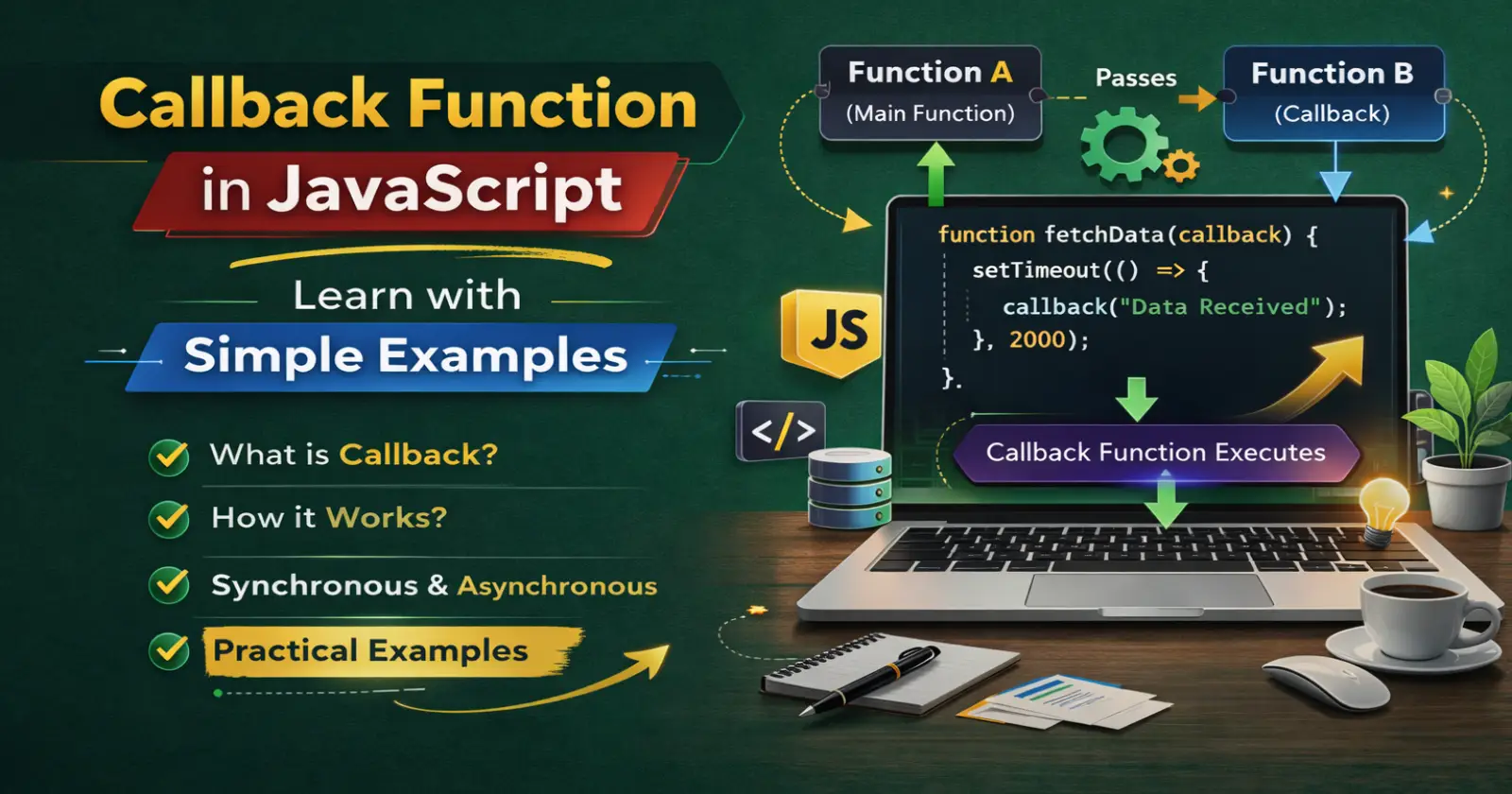
If you want to understand asynchronous programming in JavaScript, you must understand the callback function in JavaScript. Developers use callback functions to control execution flow, handle events, and manage asynchronous operations like API calls and timers.
In this beginner-friendly guide, I will explain what a callback function is, how it works, and why JavaScript developers use it in real projects.
What is a Callback Function in JavaScript?
A callback function in JavaScript is a function that you pass as an argument to another function. The main function executes the callback function later.
In simple words, you give a function to another function so it can call it when needed.
Let’s look at a basic example.
function greet(name) {
  console.log("Hello " + name);
}

function processUserInput(callback) {
  const name = "Rahul";
  callback(name);
}

processUserInput(greet);
In this example:
- greet is a function.
- processUserInput accepts a callback function.
- The main function calls the callback inside it.
This structure shows how a callback function in JavaScript works inside another function.
Why JavaScript Uses Callback Functions
JavaScript uses callback functions because it runs code in a non-blocking and asynchronous way. The JavaScript engine does not wait for slow operations like API requests, file reading, or timers.
Instead, JavaScript executes other code and runs the callback function when the task finishes.
For example, when you use setTimeout, you pass a callback function that runs after a delay.
setTimeout(function() {
  console.log("This message appears after 2 seconds");
}, 2000);
Here:
- setTimeout is a built-in browser function.
- The anonymous function acts as a callback.
- JavaScript calls it after 2000 milliseconds.
This pattern makes asynchronous programming possible.
How Callback Functions Work Step by Step
Let’s understand the execution flow clearly.
- You define a function.
- You pass it as an argument to another function.
- The main function performs its task.
- The main function calls the callback.
Example:
function calculate(a, b, operation) {
  return operation(a, b);
}

function add(x, y) {
  return x + y;
}

const result = calculate(5, 3, add);
console.log(result);
In this example:
- add is the callback function.
- calculate executes the callback.
- The callback returns the final result.
This pattern helps you reuse logic and write flexible JavaScript functions.
Anonymous Callback Function Example
Developers often use anonymous functions as callbacks instead of defining separate named functions.
Example:
function calculate(a, b, operation) {
  return operation(a, b);
}

const result = calculate(10, 4, function(x, y) {
  return x - y;
});

console.log(result);
Here, we define the callback function directly inside the function call. This style makes the code shorter and more readable in many JavaScript applications.
Callback Function with Array Methods
Array methods like map() method, filter(), and forEach() use callback functions internally.
Example using map():
const numbers = [1, 2, 3, 4];

const doubled = numbers.map(function(num) {
  return num * 2;
});

console.log(doubled);
In this example:
- map() executes a callback function.
- It applies the logic to every array element.
- It returns a new transformed array.
This example shows how callback functions power functional programming in JavaScript.
Callback Function in Asynchronous JavaScript
One of the most important uses of a callback function in JavaScript appears in asynchronous operations like API requests.
Example:
function fetchData(callback) {
  setTimeout(function() {
    const data = "User data received";
    callback(data);
  }, 2000);
}

fetchData(function(response) {
  console.log(response);
});
Here:
- fetchData simulates an API call.
- The callback runs after the delay.
- JavaScript continues executing other code while waiting.
This pattern helps developers handle network requests and database operations efficiently.
What is Callback Hell?
When developers nest multiple callback functions inside each other, the code becomes hard to read and maintain. People call this situation “callback hell.”
Example:
doTask1(function() {
  doTask2(function() {
    doTask3(function() {
      console.log("All tasks completed");
    });
  });
});
This nested structure creates messy and deeply indented code. Modern JavaScript solves this problem using Promises and async/await.
Difference Between Synchronous and Asynchronous Callback
Synchronous Callback
JavaScript executes the callback immediately.
Example:
function process(callback) {
  callback();
}

process(function() {
  console.log("Executed immediately");
});
Asynchronous Callback
JavaScript executes the callback after some delay or external operation.
Example:
setTimeout(function() {
  console.log("Executed later");
}, 1000);
Understanding this difference helps you manage execution flow in JavaScript applications.
When Should You Use Callback Functions?
You should use a callback function in JavaScript when:
- You want to execute code after a task finishes.
- You work with asynchronous operations.
- You handle events like clicks or user input.
- You use array methods like map or filter.
- You want reusable and flexible function logic.
Callback functions give you control over execution timing and behavior.
Common Mistakes Beginners Make
1. Calling the Function Instead of Passing It
Wrong:
processUserInput(greet());
Correct:
processUserInput(greet);
When you add parentheses, you execute the function immediately instead of passing it as a callback.
2. Not Handling Errors in Async Callbacks
In real applications, you must handle errors properly inside asynchronous callback functions. Otherwise, your program may fail silently.
Final Thoughts
The callback function in JavaScript plays a major role in function execution, asynchronous programming, and event handling. When you understand how callbacks work, you can control execution flow and build dynamic web applications.
Start practicing with small examples like array methods and timers. Then move to API calls and event listeners. Once you master callback functions, you will understand how modern JavaScript frameworks manage data and asynchronous operations.
