


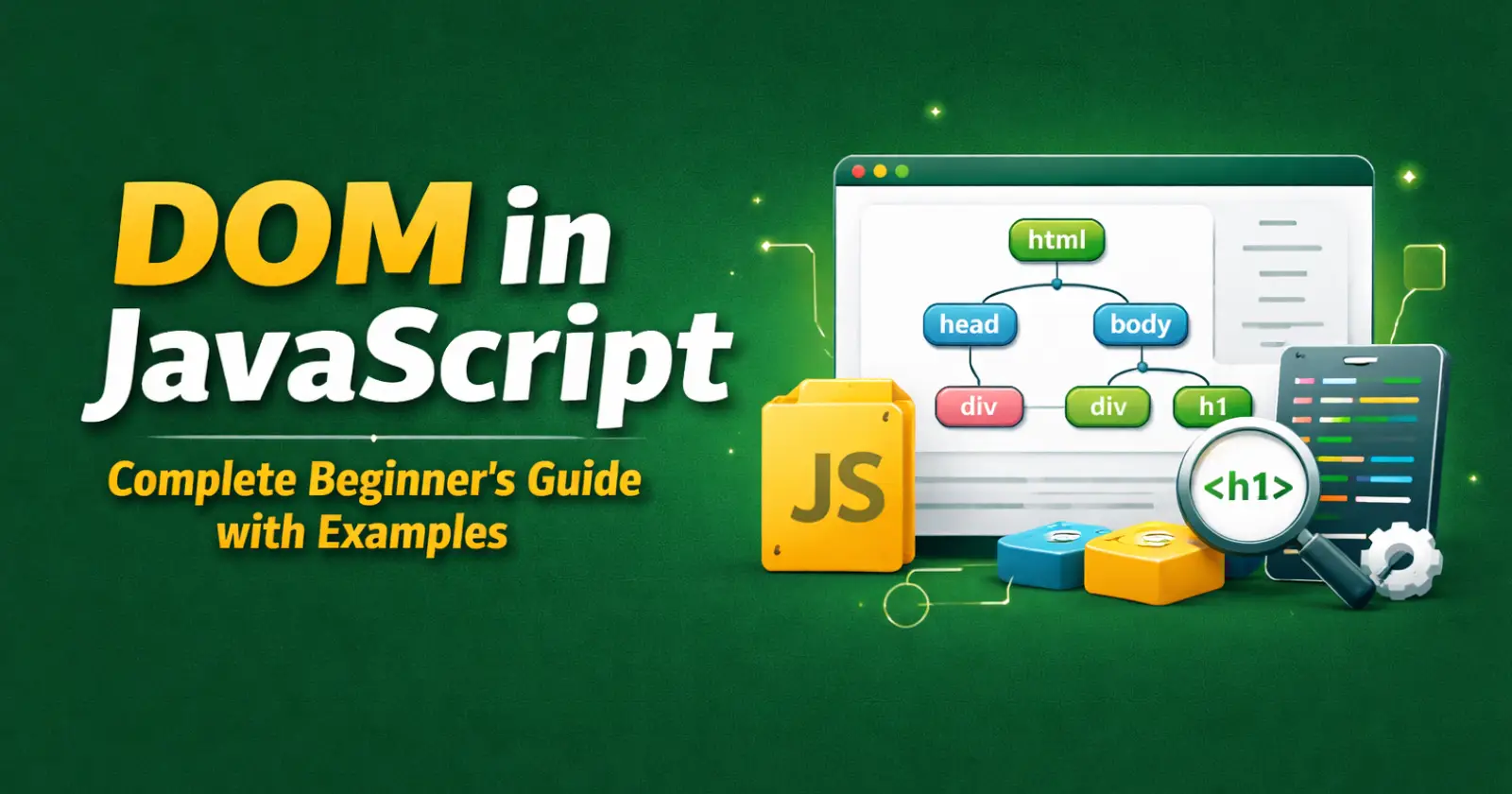
When you build a website, you write HTML to create structure, CSS to design it, and JavaScript to make it interactive. But you know that JavaScript cannot directly understand raw HTML code. It needs a structured model to work with the webpage. That model is called the DOM in JavaScript.
DOM stands for Document Object Model. It converts your HTML document into a structured tree of objects that JavaScript can access, modify, and control in real time.
In this beginner-friendly guide, you will clearly understand how the DOM works, how the DOM tree looks, and how important DOM methods help you manipulate elements using practical examples.
What is DOM in JavaScript?
The DOM in JavaScript is a programming interface that represents an HTML document as a tree of nodes. Each HTML element becomes an object that JavaScript can manipulate.
When the browser loads a webpage, it first reads the HTML markup carefully and then builds a structured DOM tree in memory. As a result, JavaScript can access, modify, and control the page elements dynamically without reloading the entire document.
For example, when you click a button, and the text changes instantly, JavaScript uses the DOM to update that specific element.
Understanding the DOM Tree in a Simple Way
To understand the DOM properly, imagine your HTML page as a family tree.
Let’s look at this simple HTML –
<!DOCTYPE html>

<html>

  <head>

    <title>My Page</title>

  </head>

  <body>

    <h1>Hello</h1>

    <p>Welcome to my website</p>

  </body>

</html>
When the browser loads this page, it creates a DOM tree structure like this –
Document

  └── html

       ├── head

       │     └── title

       └── body

             ├── h1

             └── p
Here’s how it works –
- The entire page becomes the document object.
- <html> becomes the root element.
- <head> and <body> become child nodes.
- <h1> and <p> become children of <body>.
Each element in this structure is called a node. JavaScript can access any node and modify its content, attributes, or styling.
This tree structure makes the DOM powerful because JavaScript can move up (parent), down (child), or sideways (sibling) in the document hierarchy.
Common DOM Methods You Should Know
Here are some essential DOM methods you will use in real JavaScript projects, and also these are very important for JavaScript interviews –
| Method | What It Does |
| getElementById(id) | Selects a single element by its unique ID. |
| querySelector(selector) | Selects the first element matching a CSS selector |
| querySelectorAll(selector) | Selects all elements matching the selector. |
| createElement(tag) | Creates a new HTML element. |
| appendChild(node) | Adds a new child node inside a parent. |
| remove() | Removes an element from the DOM. |
| addEventListener(event, fn) | Attaches an event listener to an element |
These methods make it easy to build dynamic pages. For example, you can create buttons, change styles, or respond to user input in real time.
Explaining DOM Methods One by One (With Examples)
Now, let’s understand the most important DOM methods step by step.
1️⃣ getElementById()
This method selects an HTML element using its unique id attribute.
Why is it useful –
You use it when you want to access one specific element quickly.
Example:
<h1 id="heading">Hello World</h1>

<button onclick="changeText()">Click</button>

<script>

function changeText() {

  document.getElementById("heading").textContent = "DOM Updated!";

}

</script>
What happens here:
- JavaScript finds the element with id “heading”.
- It updates the text content.
- The browser reflects the change instantly.
This method works best when your element has a unique identifier.
2️⃣ querySelector()
This method selects the first element that matches a CSS selector.
Why is it useful:
It gives flexibility because you can use class, id, or tag selectors.
Example:
<p class="text">First Paragraph</p>

<p class="text">Second Paragraph</p>

<script>

document.querySelector(".text").style.color = "blue";

</script>
What happens here:
- JavaScript selects the first element with class “text”.
- It changes its text color.
- Only the first matching element gets updated.
You can use CSS selectors like .class, #id, or div.
3️⃣ querySelectorAll()
This method selects all elements that match a CSS selector.
Why is it useful:
It helps when you want to apply changes to multiple elements.
Example:
<p class="item">Item 1</p>

<p class="item">Item 2</p>

<p class="item">Item 3</p>

<script>

const items = document.querySelectorAll(".item");

items.forEach(function(element) {

  element.style.color = "green";

});

</script>
What happens here:
- JavaScript selects all elements with class “item”.
- It loops through each element.
- It changes the text color of all paragraphs.
This method returns a NodeList, so you can use loops.
4️⃣ createElement()
This method creates a new HTML element dynamically.
Why is it useful:
You use it when building dynamic content like comments, lists, or notifications.
Example:
<div id="container"></div>

<script>

const newPara = document.createElement("p");

newPara.textContent = "This is a new paragraph.";

document.getElementById("container").appendChild(newPara);

</script>
What happens here:
- JavaScript creates a new paragraph element.
- It adds text inside it.
- It appends the paragraph inside the container div.
This method helps you generate content dynamically.
5️⃣ appendChild()
This method adds a new child node inside a parent element.
Why is it useful:
It inserts elements into the DOM structure.
Example:
<ul id="list"></ul>

<script>

const li = document.createElement("li");

li.textContent = "New Item";

document.getElementById("list").appendChild(li);

</script>
Here, JavaScript creates a list item and inserts it inside the unordered list.
6️⃣ remove()
This method removes an element from the DOM.
Why is it useful:
It helps you delete dynamic content like notifications or alerts.
Example:
<p id="removeMe">Delete this text</p>

<button onclick="removeText()">Remove</button>

<script>

function removeText() {

  document.getElementById("removeMe").remove();

}

</script>
When the user clicks the button, JavaScript removes the paragraph from the document tree.
7️⃣ addEventListener()
This method attaches an event listener to an element.
Why is it useful:
It handles user interactions like clicks, typing, and mouse movement.
Example:
<button id="btn">Click Me</button>

<script>

document.getElementById("btn").addEventListener("click", function() {

  alert("Button Clicked!");

});

</script>
Here, JavaScript listens for a click event and runs a function when the event occurs.
This method gives better control compared to inline onclick attributes.
Why DOM is Important in Web Development
In fact, the DOM allows developers to build interactive web applications that respond to user actions in real time. By connecting JavaScript with HTML elements, it enables you to manipulate content, update styling, validate form inputs, and handle user events smoothly. As a result, web pages become dynamic and engaging instead of static and unresponsive.
Without the DOM, websites would stay static and non-interactive. Modern features like dynamic forms, live search, dropdown menus, and modal popups depend on DOM manipulation.
If you want to become a skilled front-end developer, you must understand DOM concepts clearly and apply them in real projects. Without a strong understanding of the DOM structure and manipulation methods, you cannot build interactive user interfaces effectively. Therefore, mastering the DOM becomes an essential step in your web development journey.
Final Thoughts
The DOM in JavaScript acts as a bridge between your HTML structure and JavaScript logic. The browser creates a tree-like document model, and JavaScript uses DOM methods to access, modify, create, and remove elements dynamically.
When you understand –
- How the DOM tree works.
- How nodes connect in a hierarchy.
- How to use DOM methods properly.
You can build powerful and interactive web pages with confidence.
Read Also –
1- JavaScript Arrow Function
2- Data Types in JavaScript
3- For Loop in JavaScript
