


Snapchat is all about sharing quick moments, fun snaps, and staying connected with friends and family throughout the day. From photos and short videos to streaks and chats, the platform makes it easy to keep your social circle close and active.
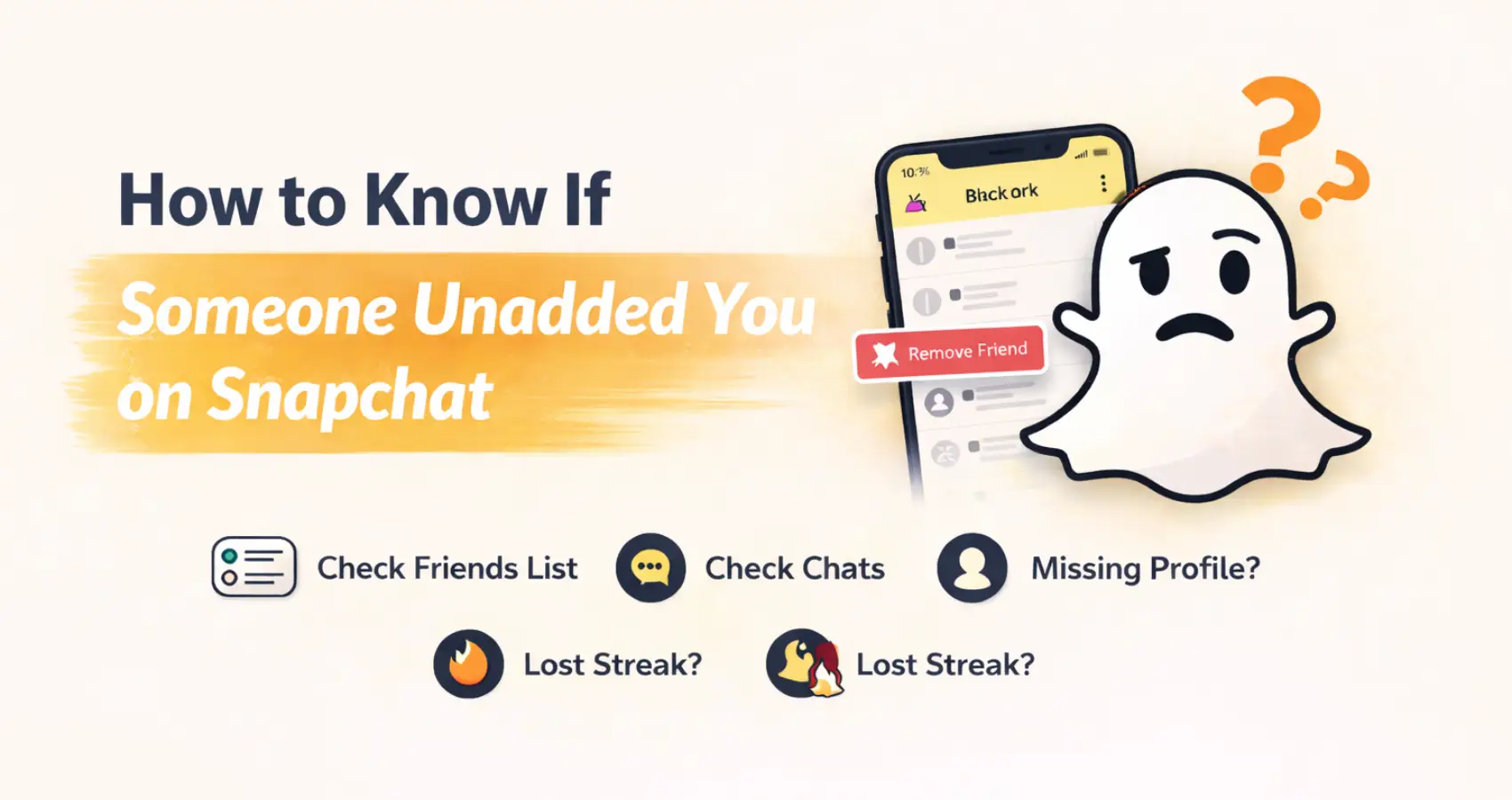
However, Snapchat keeps friend changes quiet, so you won’t get a notification when someone removes you. If you’ve been feeling unsure and wondering how to know if someone unadded you on Snapchat, this blog will walk you through simple and reliable ways to spot the signs and get clear answers.
How to Find When Someone Unadds You on Snapchat
Unadding on Snapchat is coming between friends who have had recent fights or misunderstandings. Here is the simple guidance to find out if your friends have unadded you on Snapchat.
➤ Check Friends List
- In Snapchat, it mentions mutual friends in your group when you add someone. So start by verifying their presence in your friend’s profile.
- Scroll to mutual friends or my friends, tap, and look at their username.
- When a certain person’s profile is not shown, it indicates that they have added you.
➤ Check the Chat Screen
- In the chat tab on Snapchat, you can find the list of your friends’ conversations.
- Select the particular person, and it shows phone and camera icons for quick calls or snaps, which means they are still befriending you.
- If the chat shows an ‘x’ icon or an ‘add’ button, it shows they unadded.
- It clearly lets you know that you’ve lost a friend without sending anything.
➤ Missing Profile Details
- When you have conversations with a person daily, their feeds always appear on the screen.
- The sudden absence of a profile appearance makes it suspicious; to confirm the doubt, tap their name or Bitmoji to view their profile.
- The profile displays mutual friends’ snap scores, charms, birthdays, streaks, horoscopes, and other things that describe them.
- When the profile shows only an avatar or no snap score under the profile, it ensures that they unfriend you.
➤ Try Sending a Message
- When you send a message or snap to someone, it shows a solid square or hollow arrows. It shows they are unavailable now but still friends with you.
- But when the sent message remains “pending” with grey arrows or shows “chats will be pending until they add you,” it shows they unfriended you. This failsafe is built to show against one-way messaging, which indicates when they removed you at that point.
➤ Stories And Streaks
- Snapchat is known for its stories and streaks. Each friend’s stories appear on the friends tab.
- The sudden disappearance of stories, streaks, and charms of the specific person clearly shows they un-added you from the friends tab.
- Though the old card lingers, their profile shows no active signs.
➤ Username Search
- Searching the person’s username on your friend tab is one of the simplest and most effective ways to find out when you wonder how to know if someone unadded you on Snapchat.
- On Snapchat, swipe right to chat and search their username in the search bar.
- While searching, the friends appear on the screen with full details of charms and horoscopes.
- The non-friend profile wouldn’t appear on screen and would show “add me” or nothing.
- This quick add prompt means that you are no longer connected or remaining friends on Snapchat.
Read Also – Snapchat Best Friend Planets Meaning
Understanding The Difference Between Block vs. Unadd in Snapchat
While using Snapchat, many users often get confused when someone blocks and unadds them from the snap friends circle. Though it seems the same on the outer appearance, the unadded users can see the old chats with profile access.
On the other hand, the blocked user has zero visibility of chats and profiles, and it prevents searches for details. Account deletion resembles the unadding but impacts all the contacts. So check if your friends unadded, blocked, or deleted their accounts before jumping to conclusions.
Privacy Tips
- When someone unadds you, respect their boundaries and avoid repairing them unless they insist.
- You can hide stories without unfriending someone with the personalized privacy control.
- Adjust your settings and enhance your privacy control to limit who can see your stories or add you.
- Set up contact with my friend or me as the only options for better control of the settings.
Final Words
Though Snapchat remains a favorite social platform for users, many still confuse it with the unadds list. By reading the points, you can understand how to know if someone unadded you on Snapchat without any confusion. Respect your individual privacy and customize your privacy control for safety and reliability on Snapchat.
Read Also – Snapchat Planets Guide
