


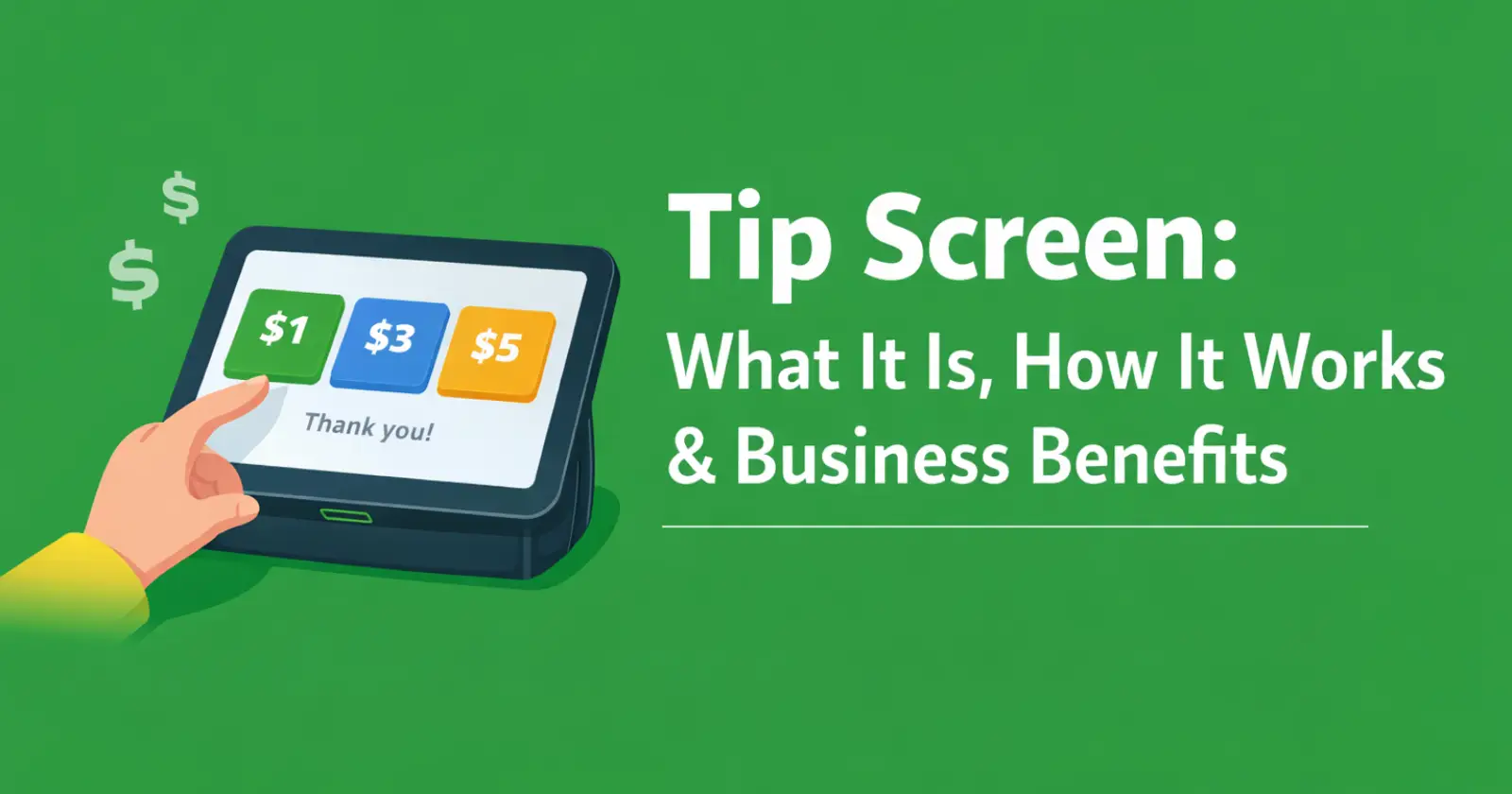
Ever noticed how tipping no longer means digging for cash or awkwardly deciding what to leave at the counter? In today’s restaurants and hotels, tipping has become a smooth, digital experience. With advances in technology, many businesses now use tip screen software to make the process more flexible and convenient. It works as a digital feature on payment terminals, prompting customers to leave a gratuity during checkout. This not only simplifies tipping but also helps businesses better understand the quality of service they provide.
Tip screens have transformed tipping in service industries like restaurants and cafés by making the process seamless and cashless. Read on to learn more about how tip screens work and the benefits they bring to businesses.
What is a Tip Screen?
The tip screen is not just a software prompt but an interactive layer integrated into cards and mobile apps. It has emerged as a transformation in business service tipping. It replaces the awkward cash handoffs and verbal tip requests with contactless payments and POS systems.
Along with displaying the total bills to customers, the tip screen offers buttons for common percentages such as 10%, 15%, and 20%. Customers can use a custom amount field or a “no tip” option to tip the hotel or business unit. They can tap the percentage options and add instant tipping to the total even before payment confirmation.
Due to their simplicity and flexibility, many businesses customize these to fit local norms. The UK government has aligned the tipping services venues with the Employment (Allocation of Tips) Act 2023 for fair distribution. It ensures customer privacy as staff step away and gives credibility to services with cashless claims.
Step-by-Step Guidance: How Tip Screens Work
Tip screens not only keep the business workflow but also create less friction for customers at checkouts. Here is the step-by-step guidance on how tip screens work.
- Before the customer checks out, the staff enter all the chosen services and accommodation bills via POS. The automated system generates the subtotal of services.
- Customers can select from preset buttons and pay automatically. While processing the payment, the tip screen displays on the customer screen for tipping.
- While generating bills, the system also generates the tip’s percentage amount. Customers can select from preset buttons and play automatically. Along with a calculated display, the customer can enter extra amounts for tips if they desire.
- The selected tip automatically updates the final amount, and the staff gives space for the customer to pay without watching.
- Customers can receive transparent bills and receipts of the full sum (bill + tip).
Through this guidance, the tip screens are suitable for web access and tablets; mobile setups are different. For mobile tipping, businesses can use tip-screen apps or use NFC or QR codes for flexibility. Customers can scan, tip on the phone, and pay through a linked gateway. With cloud sync tips are logged. Customers can even leave tips for staff members or tables. However, businesses can test out the mobile tip screen to avoid glitches and errors in transactions.
Benefits Of Using Tip Screens In Business
Tip screens in businesses are not just about flexibility but also about profit. Its digital payment for tips and bills enables businesses to enhance seamless profitability. Here are the key benefits of using the tip screen in business.
➤ Profits in Businesses
Many businesses, like restaurants and hotels, adopt tip screen software to boost their revenue without much effort. As it adds to the total bills screen, customers can directly view it without any staff interference. Business data show they are, on average, increasing tips by 10-20% through visual nudges and defaults, as customers choose convenience over skipping.
Tip screens track daily operations, maintaining the staff earnings and the business’s average revenue for tax compliance. With the involvement of e-wallets, tip screens leave no more forgotten cash jars and cut handling costs. Its transparent tipping and bills build trust and ensure that staff see 100% fair allocations of tips.
➤ Boost Staff Retention
The tip screen benefits frontline workers with reliable income streams. Unlike the cash handout delays, the digital tipping screen automatically divides up the tips among the staff at the end. Instant payout options motivate staff to offer better services. Some platforms link tip screens to specific servers through table numbers, which puts an end to staff disputes and allows them to focus on their work. In a tight labor market, the digital tip screens help retain staff and maintain restaurants that report higher satisfaction.
➤ Customer Experience
Though many see tip screens as beneficial for business, they also empower and offer convenient access for customers. Its digital access removes the awkward judgmental feeling when they skip tipping. The receipts confirm totals and foster trust amid “guilt-tip” criticisms. QR methods extend for tipping post-visit, making it ideal for delivery apps.
Tip Screen: Guide for Business Owners
On most POS, setting up the tip screen only takes a few minutes. Here is simple guidance for business.
- Open the POS systems and search for Access settings > payments > enable tip toggle > set percentages > deploy to devices.
- For mobile POS access, download a reliable tip screen app and link the official business payment account to activate NFC/QR tipping.
- Along with the tip screen, businesses add additional prompts like “other” or “exact amount” for staff and service notes without pressure.
- However, ensure tips bypass business accounts per local laws.
Average Tip Range And Benefits In Various Business Units
| Industry | Tips | Features |
| Restaurant | 15-25% | Table-linked allocation |
| Cafes | 10-20% | Quick percentage buttons |
| Delivery | 20%+ | QR post-service |
| Hospitality | 12-18% | Shift-end dashboards |
Criticisms of TIP Screens
Though the tip screen offers quite a few benefits, not all feedback is supported. Some customers call screens “guilt machines” with high defaults (25-30%), pressuring skips to custom zero. Privacy concerns arise whenever staff hover. Technical glitches and poor UX can make customers frustrated and drop their repeat visits.
Final Words
Tip screens aren’t just another feature for businesses. They work quietly in the background as a simple way to boost revenue while keeping things polite and easy for customers. Even though many people don’t think much about them, they make tipping feel less awkward and more straightforward. At the same time, they help avoid staff tip disputes and make sure tips are shared fairly.
