


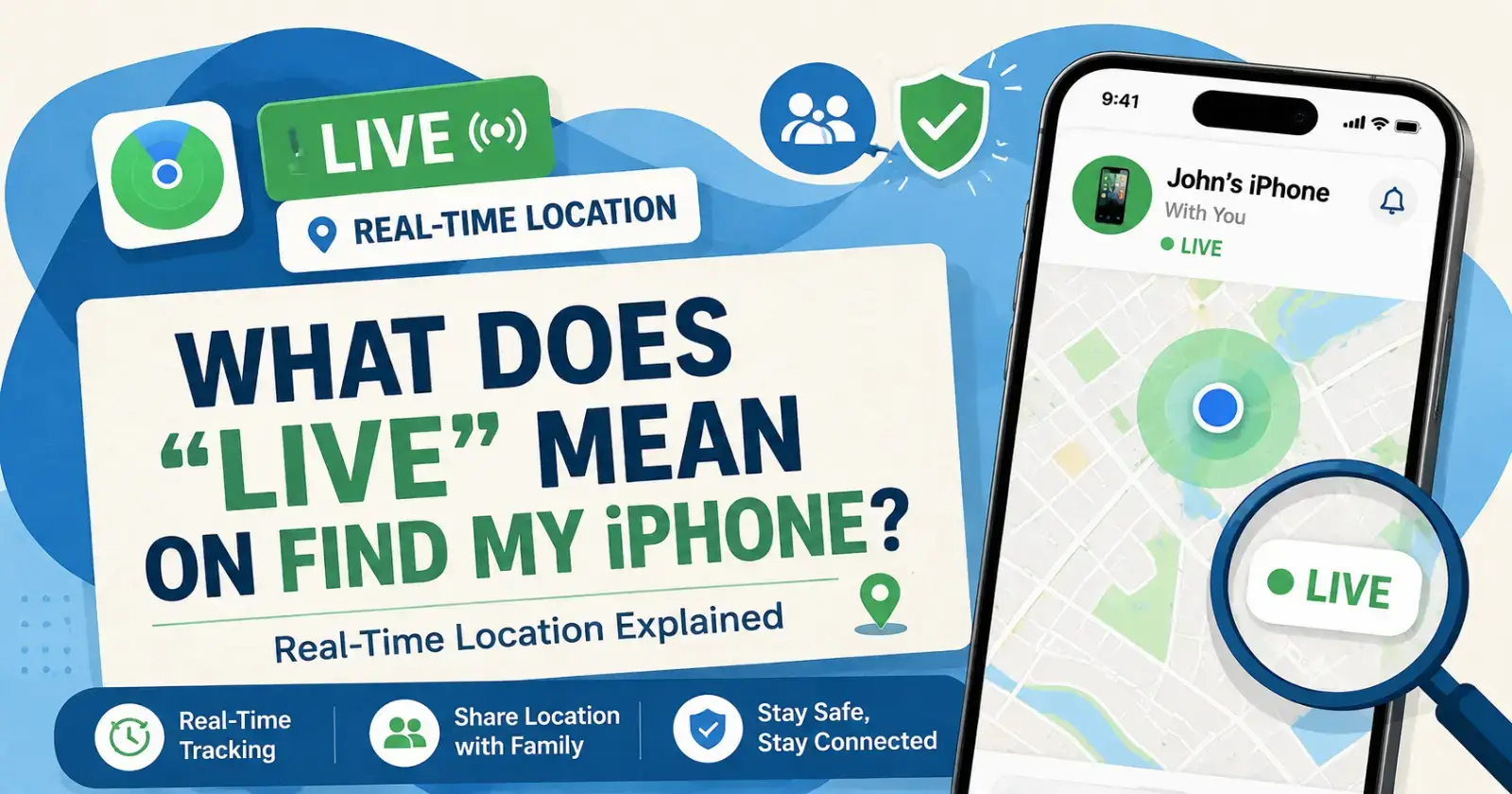
Have you ever looked at the Find My application and seen the word “Live ” next to the location of a person? Many people become curious about this option when using location sharing via the Find My app. Although it may seem like an easy-to-use application initially, there are quite a few things that may confuse you inside the app itself. By learning what does live mean on Find My iPhone, you will be able to know whether the location data you see is current or outdated.
Meaning of “Live”
The word “Live ” in the Find My app means the location is updating continuously in real-time. The movement of the person or device appears actively on the map instead of showing a single fixed position from a previous update.
A pulsing green circle usually appears around the location while the feature remains active. This helps users understand the direction, speed, and movement path more clearly during live tracking sessions on the iPhone.
Difference Between “Live” and “Now”
Many users notice either “Live” or “Now” appearing below a shared location inside the Find My app. These two labels may look similar, though they represent different levels of location accuracy and update activity.
The “Now” label usually means the location was refreshed recently instead of updating continuously. This situation may happen when the device remains still, has poor network coverage, or temporarily loses a strong connection.
How Real-Time Tracking Works
Apple uses GPS, Wi-Fi signals, and mobile network data to provide accurate real-time location updates. The Find My app combines these systems together to display movement smoothly while the user changes places throughout the day.
The device sends updated location details continuously when live tracking stays active between users. This process creates a smoother map experience, which helps people follow travel progress without manually refreshing the application repeatedly.
Read Also – Stop Sharing Location Without Notifying iMessage
When the “Live” Status Appears
The “Live ” status usually appears when someone is actively sharing their location through the Find My app. The feature works best when the iPhone has stable internet access and proper location permissions turned on.
Many people search online asking what does live mean on find my iphone while checking family members during trips or late-night travel. The label simply confirms that the location updates are happening continuously in real-time.
How to Share Live Location on iPhone
Sharing live location on an iPhone is a simple process that can be completed directly from the Find My app. Users can choose temporary sharing for one hour, until the end of the day, or permanently.
Open the Find My app and tap the “Me” section near the bottom of the screen. Turn on Share My Location, choose a contact, then start sharing the real-time location directly from the application settings.
Why the Feature Is Helpful for Users
Real-time location sharing provides comfort during travel, emergencies, or daily commuting situations between family members. Parents often use the feature to check whether their children reached school safely or arrived home without delays.
Friends use the future during meetups, road trips, and crowded events where finding each other becomes difficult. Many users want to explore this helpful tracking feature.
Final Words
The “Live” feature inside Apple’s Find My app gives users a real-time view of a person’s or device’s movement. Instead of showing an older location, the app keeps updating continuously while the device stays connected properly. What does live mean on Find My iPhone is an important concept that can make usage of the feature quite easy whenever one is traveling, coordinating with their family members, or just concerned about their safety. The technology is supposed to provide correct information in an easy-to -use manner for iPhones.
FAQ’S
1. What does Live mean on Find My iPhone?
Live means the location is updating continuously in real time, allowing you to see movement as it happens.
2. Why does Find My show Live instead of Now?
Live appears when the device is actively sharing location with a stable connection. Now usually indicates a recent location update rather than continuous tracking.
3. Is Live location tracking accurate on iPhone?
Yes, Apple uses GPS, Wi-Fi, and cellular networks to provide accurate real-time location updates.
4. Can someone see my Live location without permission?
No. Users must explicitly enable location sharing through the Find My app before others can view their location.
Read Also – How to Rotate Photo on iPhone
