


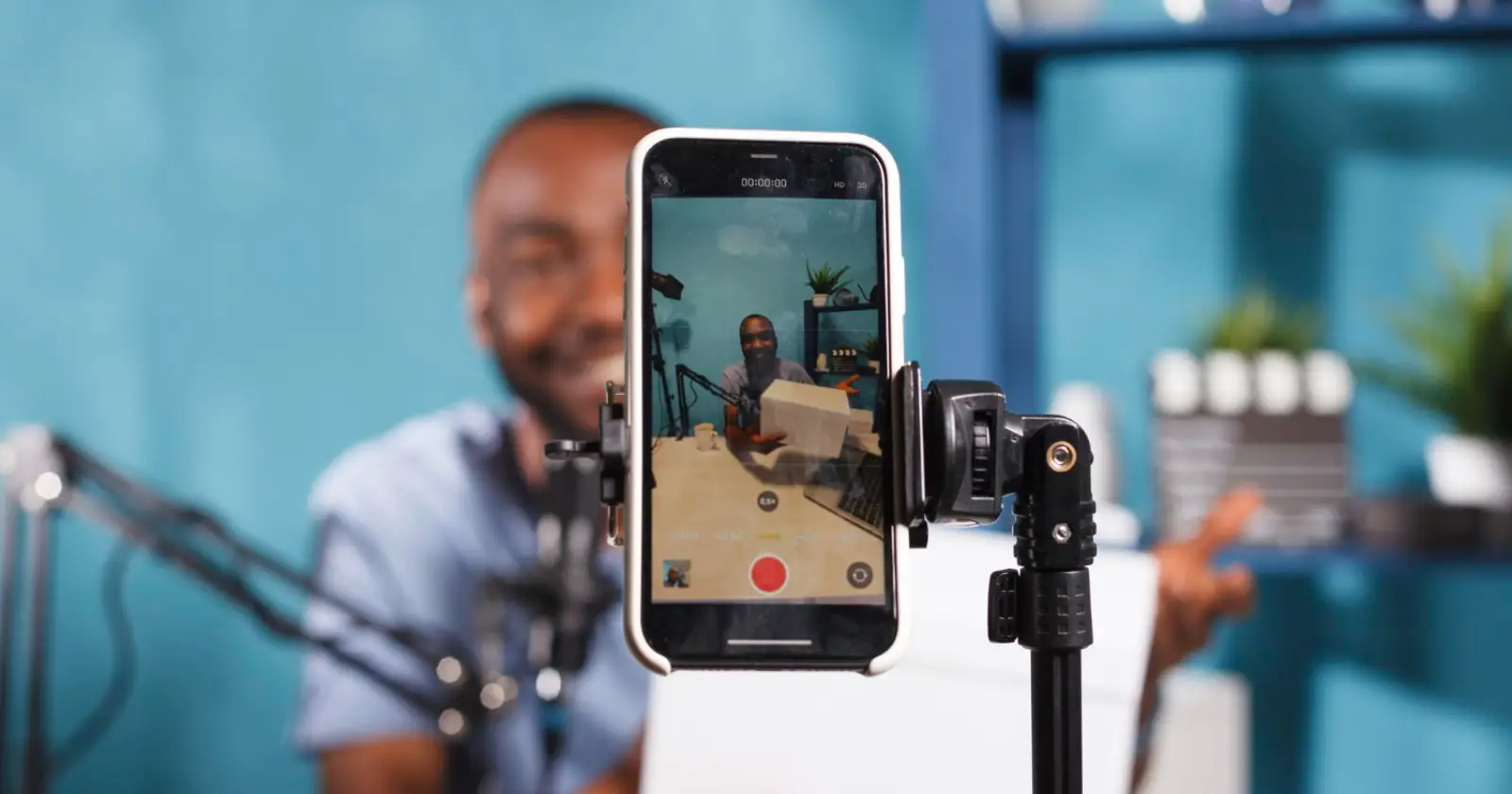
Live streaming in short video apps has become a common trend among the digital world population. The creation of content in the form of real- time experiences shared by the creator with followers of various backgrounds.
People tend to look for ways to do live streams on TikTok so that they get an idea of how to do it easily and effectively. It remains relevant in the year 2026 as well, with new changes to its access criteria and stream functionality.
Eligibility Requirements For Live Access
Before learning the streaming steps, understanding eligibility rules remains important for a smooth setup experience on the platform. TikTok applies strict access conditions to maintain content quality and user safety across live broadcasts worldwide. Meeting these requirements ensures that users can explore how to go live on TikTok without unnecessary restrictions during activation attempts.
The systems generally check account age, follower count, and guideline compliance before enabling live features. Users who meet platform expectations receive access automatically through their profile interface, allowing them to begin preparing broadcast content with proper planning and structure.
Age And Follower Criteria
Age criteria play an important role in determining who can access live streaming features on the platform. Users must generally be at least 18 years old to unlock full broadcasting capabilities and receive interactive gifts from viewers. Many beginners are searching for how to go live on TikTok, focusing on a follower base that usually starts at around 1000 followers for standard access.
Some accounts with strong engagement and original content may receive early access with fewer followers. This exception depends on content quality, consistency, and overall audience interaction metrics across posted videos.
Account Standing And Community Guidelines
Account standing directly affects eligibility for live streaming privileges across the platform. Users must maintain a clean record that follows platform rules without active violations or temporary suspensions affecting visibility. Exploring how to go live on TikTok includes ensuring profile behavior remains compliant with content policies and safety rules.
Accounts with repeated policy issues may face restrictions even if follower count and age requirements are satisfied. Regular posting of original content and responsible engagement practices help maintain good standing, allowing uninterrupted access to live streaming tools and interactive audience features.
Steps From The Mobile Device
Mobile devices remain the most common method for starting live broadcasts due to their easy availability and simple interface design. Users who are learning how to go live on TikTok can begin by tapping the create icon at the bottom of the app screen. The LIVE tab appears after swiping through available options.
One LIVE is selected, and one will be able to add a title, select categories, and set up comment filters for interactions. The last step entails clicking the GO LIVE button following the countdown, and this initiates live broadcasting right away.
Steps From Desktop TikTok Live Studio
The use of Desktop streaming has enabled people to have more advanced controls when using professional setups that require high-quality visuals. Through the TikTok LIVE Studio, one can control their broadcast via webcam, microphone, and screen-capture methods. The majority of people who are exploring how to stream on TikTok tend to choose a desktop set-up.
After installing the software, users log in with their account and configure input sources. Titles, overlays, and layout settings can be adjusted before launching the stream. The Go LIVE options start broadcasting instantly after final setup confirmation.
Read Also – How to Block Someone on TikTok
Setting Up Stream Quality And Tools
Stream quality plays an important role in audience retention and overall engagement during live sessions. Stable internet connection, clear audio input, and proper lighting improve viewer experience significantly during streams. Creators learning how to go live on TikTok often focus on optimizing these technical elements before starting sessions.
Using an external audio device and adjustable camera settings helps improve clarity across different content types. Desktop users can apply overlays and visual elements to enhance the presentation’s style. Consistent quality settings create a more professional impression and support longer viewer watch time during live interaction.
Common Issues And Fixes
There may be technical issues when trying to activate live streaming services, particularly among users who have just started to use the service. The absence of a LIVE function is connected with qualifications or limitations on the user’s account that should be checked first. There are numerous cases when people search for how to activate Live Mode on TikTok because of issues such as an insufficiently filled profile or a violation of guidelines.
App update and cache removal solve many minor issues associated with the feature’s visibility. Signing out and signing back into the account will help update your permissions to the service. A stable internet connection is also important when activating live broadcasting mode.
Final Words
The use of live streaming is rising among content creators to reach their audience directly through digital media. Familiarity with the rules governing eligibility, the process of setting up, and technicalities will ensure that your live stream runs without any hitches. It is also beneficial in enabling one to produce quality content in structure.
Read Also – TikTok Emojis
