


We’ve all done it. You open your laptop, fully intending to study for two hours, knock out a draft of a paper and finally get ahead on classwork. But forty-five minutes later you’re down some internet rabbit hole, your desktop a chaotic mess of unnamed downloads and your phone buzzing with group updates.
Technology is supposed to make school easier, but half the time it feels like it just adds more friction. Good news? You don’t need to pay for fancy apps, do intense color-coded routines or turn your whole life upside down to fix it. A few easy changes to the way you deal with your devices can remove a ton of everyday stress and help you actually do stuff.
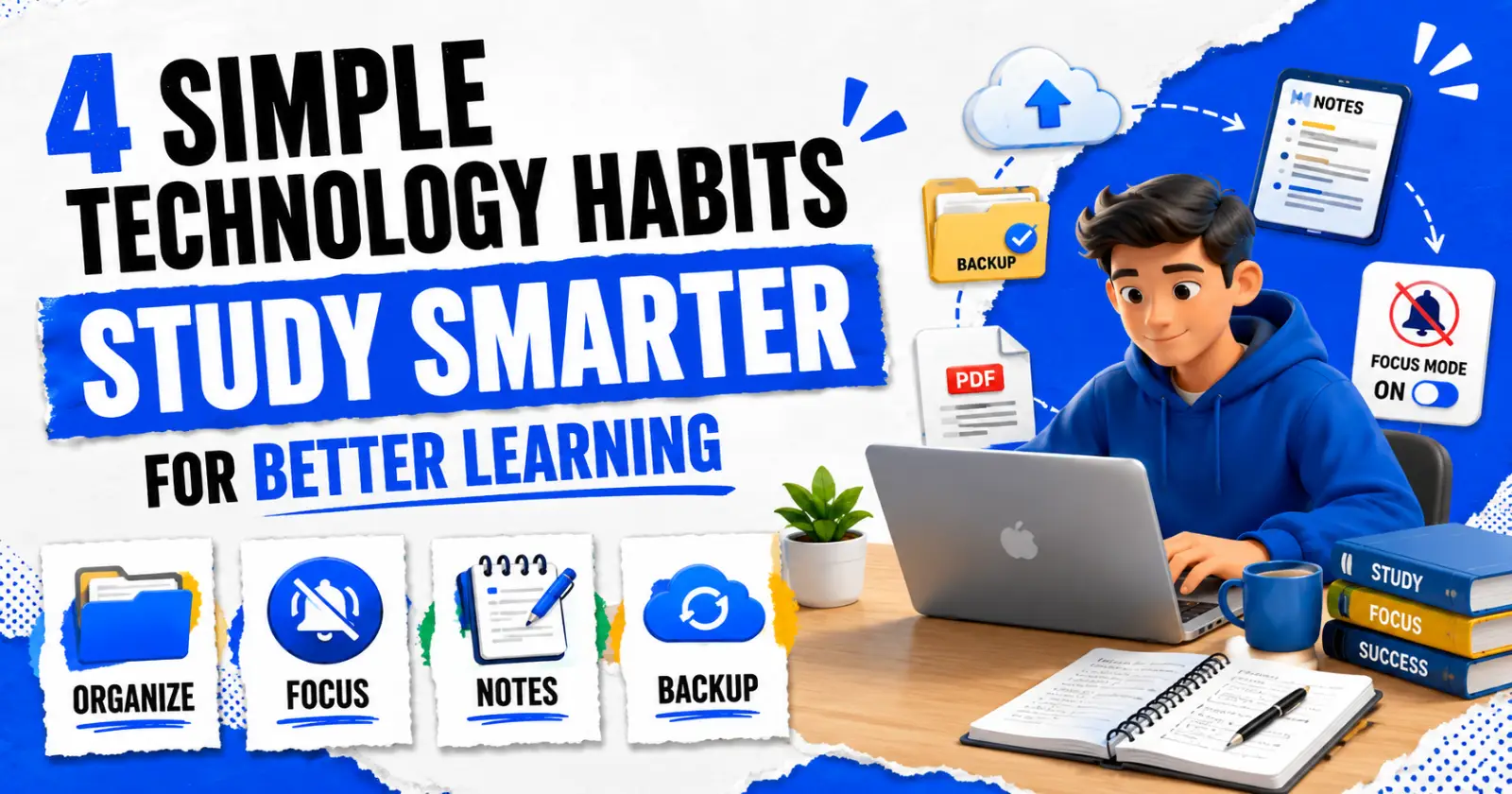
Here are a few tech habits that are simple, but can make your study routine go a whole lot more smoothly.
1. Organize Your Digital Space and File Formats
If your computer desktop looks like a digital junk drawer of random screenshots and untitled documents, then your brain is packing around that extra clutter too. When you have to dig through a ton of mess to find your notes, it is much harder to start a simple assignment.
➤ Keep Your Folders DUMB Simple
Stay simple. You don’t need a complex filing system that you’re going to ignore in three days. Create just a folder for the semester and then drop a folder for each class you’re taking. Inside of those, stick to three basic subfolders:
- Readings & Slides: Your weekly lecture PDFs and class files.
- Assignments: Your research links, projects, working drafts.
- Syllabus & Grading Course information, schedules and guidelines for assignments.
➤ Lock Down Your Assignments Before You Turn Them In
Ever spent hours formatting a paper just to upload it to your school platform and then realize the fonts blew up or the margins shifted on your teacher’s screen? That’s what happens all the time with normal text documents.
It’s a good habit to get into before handing in any final assignment to turn it into a PDF. You can pop your doc into a quick online tool like Canva’s Word to PDF converter and it’ll lock your layout in place instantly. This ensures your essay will look neat and perfectly formatted no matter what device or screen your professor uses to grade it.
2. Make a Study Space That Won’t Distract You
Distraction is the absolute worst enemy if you are trying to learn something tricky. If your screen is always bringing up messages, news alerts, your mind isn’t ever really getting the quiet space it needs to absorb what you’re reading.
➤ Before you begin homework, go through this quick three-step check
- Focus Mode On: Put your phone and computer on Do Not Disturb for 45-minute chunks. Turn on emergency contacts so they can reach you, but turn off everything else.
- Kill Extra Tabs: Thirty open tabs are just visual clutter. Bookmark the stuff you want to check out later. Close the rest and just keep your assignment and active research tab on the screen.
- Split Your Screen Cleanly: Snap your monitor in half. Keep your textbook or reading material on the left and your notes on the right. It’s surprising how quickly you lose focus when you’re constantly alt-tabbing back and forth.
3. Better Note-Taking and Backup Practices
It’s easy to take notes in class but that doesn’t mean that your brain is actually processing it just because you’re typing every single word your instructor says. Build a few active digital habits and studying for exams will be so much easier when finals week arrives.
➤ Tips for Improving Digital Notes
- Use your own words to express ideas: You don’t have to copy text from slides directly. Rephrase the main ideas in your own words so that they are meaningful to you, before you type them out.
- Use bold key terms to make notes scannable. Use basic formatting to your advantage. **Bold important vocabulary terms and bullet out quick supporting points right underneath them.**
- Spend 5 minutes skimming your notes: Take five minutes every night to read over what you wrote earlier in the day. It keeps the information fresh so you don’t have to try and cram it all in right before a test.
➤ Don’t Risk Losing Your Work
There’s nothing quite as terrible as losing an entire paper when your laptop battery suddenly died, or a program crashed in the middle of a sentence. Make it a rule to do all your writing in a cloud folder that syncs up in real time. Knowing that your work is automatically saved gives you huge peace of mind as you work.
4. Get Real Breaks from Your Screen
When you need a break from studying, opening short videos or checking social media can seem like an easy reward. But in reality, looking at endless scrolling feeds keeps your eyes working and your brain on high alert. That makes it a lot tougher to focus when you sit down with your textbook.
➤ Instead, try taking proper offline breaks
- Get a glass of water or a quick snack in the kitchen.
- Take a quick walk around your room or step outside for some fresh air.
- A quick physical stretch for your back and neck and shoulders will get you loose from sitting at a desk.
Begin Small and Simple
You don’t have to try every single habit on this list, starting today. Just try one simple change to experiment with this week. Maybe that’s decluttering your class folders, turning your final papers into PDFs with PDF tool like Sejda before you turn them in, or leaving your phone on silent while you’re working on homework.
Once that little tweak feels completely natural, choose another to layer on. A few tweaks in your tech can make schoolwork lighter, clearer, and a whole lot more doable.
Read Also – PDF to JPG Converter
