


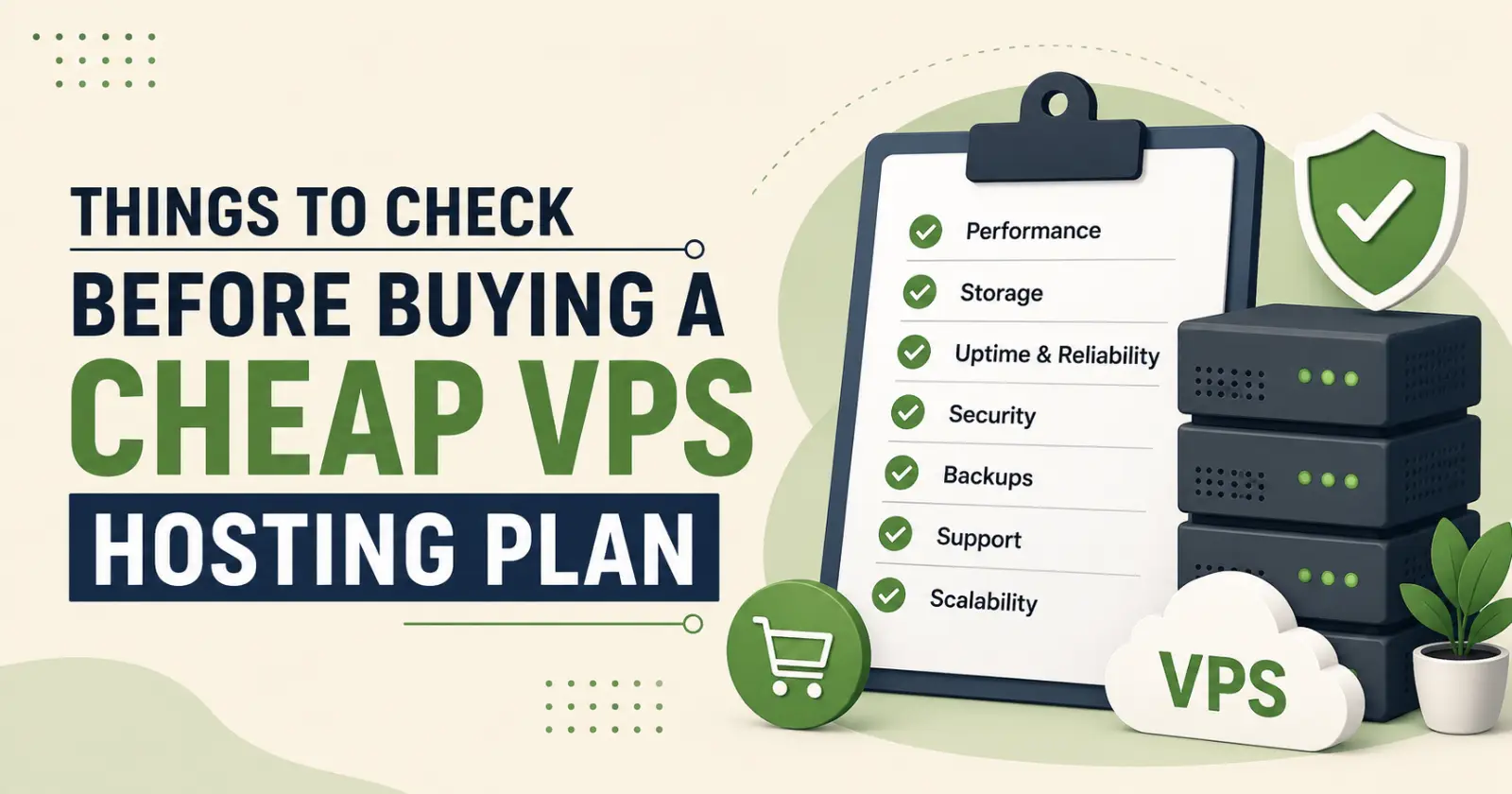
It feels simple to consider the WordPress hosting price in India until you open five browser tabs with VPS plans that all look identical. Same uptime percentages, same feature bullets, same pricing that seems almost too reasonable. The problem is that the things most likely to affect your experience day to day are buried in the technical specifications that most people glaze over before clicking the buy button. Getting those details right before you decide saves you considerably more time and frustration later. Here is what actually deserves a closer look.
1. What Processor Generation Is Running Underneath?
The CPU generation powering your VPS shapes how your applications actually perform, not just how fast a benchmark runs. Older generation processors usually struggle to handle workloads as effectively as the newer ones. That’s why it is especially important to check the infrastructure when you compare the WordPress hosting price in India. Therefore, find out whether the provider is running AMD EPYC Gen 4 or comparable modern hardware.
2. Whether the Storage Is NVMe or Just Regular SSD
Not all SSD storage is the same, and the difference matters more than most buyers expect. Standard SSD connects through SATA, which has a bandwidth ceiling that NVMe does not share. NVMe drives use a direct PCIe connection which produces significantly faster read and write speeds. For websites running databases, caching layers, or heavy file operations, that difference shows up in actual page load times rather than just theoretical benchmarks. Check the specifications carefully because many providers list SSD without mentioning the type.
3. Check the RAM
The overall performance of your VPS is affected by the amount of RAM available for your VPS. It should not slow down your website if your website runs too many WordPress plugins, receives consistent traffic, or runs eCommerce features. Therefore, when evaluating the WordPress hosting price in India, choose a plan with genuine headroom for your peak load rather than one that covers your average traffic and struggles when things get busy.
4. The Network Port Speed
A 1 Gbps network port is the baseline worth looking for on any serious hosting plan, like self hosted n8n. Some budget providers run plans on shared or throttled network ports that create a ceiling on how much data your server can send and receive regardless of how capable the CPU and RAM are. For websites handling file uploads, serving images and videos, or running applications with concurrent users, a restricted network speed becomes the bottleneck that no other hardware upgrade can compensate for. So before determining the WordPress hosting price in India, check whether the provider offers 1 Gbps network speed or not.
5. What the Uptime Guarantee Is Actually Backed By
A 99.9% uptime figure on a marketing page means very little unless there is a service level agreement specifying what happens when the provider fails to meet it. Check whether the guarantee carries measurable compensation or whether it is simply a number without accountability. Also check the data center tier rating. Tier IV infrastructure with redundant power, cooling, and network connectivity is a fundamentally different reliability proposition than lower-tier facilities using the same uptime language.
Read Also – How to Choose the Right Data Center for Your Business?
7. Whether You Get Full Root Access and Proper Virtualisation
Full root access is non-negotiable for anyone intending to do anything meaningful with a VPS. Without it, installing custom software, editing server configurations, and managing your environment properly becomes either difficult or impossible.
8. How Backups Are Handled
Losing data on a VPS happens, and how the provider handles backups is what determines whether that loss is recoverable. Find out whether daily backups are included or charged separately, where backup copies are stored, and how the restoration process actually works.
9. The Actual Quality of Support
A few VPS providers frequently cut costs at the support layer, and the consequences become apparent the moment something breaks. Check whether support is available around the clock through live chat or phone, not just through tickets with multi-hour response windows.
10. How Easy Scaling Actually Is
Your VPS requirements will grow as your application grows, and the provider’s approach to scaling matters more than most people check upfront. Some providers make upgrading resources a seamless process with minimal or no downtime. Others require a full migration to a new plan with data transfer, configuration rebuilding, and the downtime that comes with it. Ask specifically how resource upgrades work before you commit to a provider.
Conclusion
A cheap VPS plan worth buying exists. The ones that are not worth it are identifiable before you decide, if you know which questions to ask. A few minutes spent checking these points against any plan you are considering is the most straightforward due diligence available before making a hosting decision you will live with for a long time.
Read Also – USA Dedicated Servers – Key Insights & Business Benefits
