


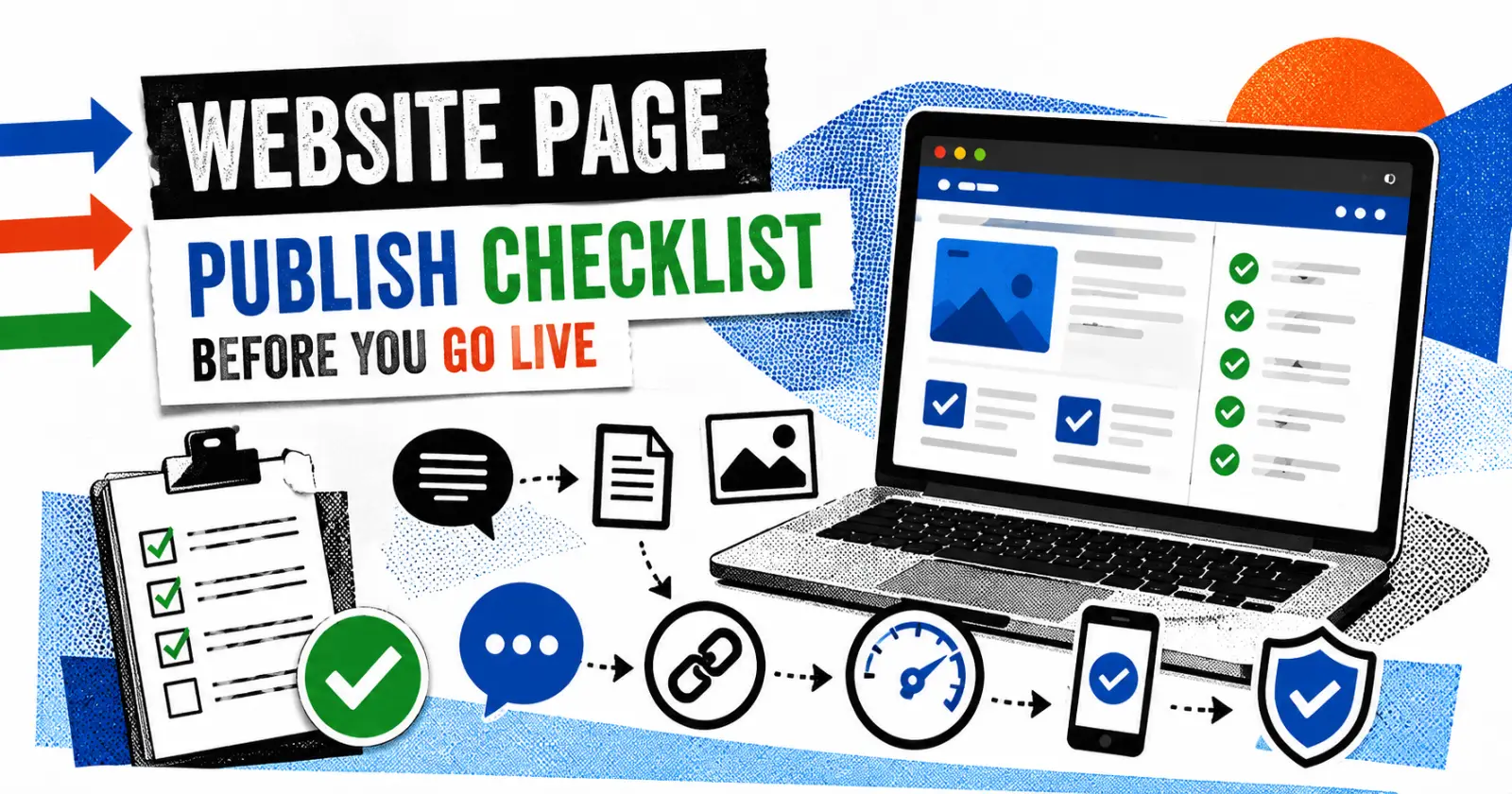
Getting to the Publish button always feels good and moves on after spending hours (often days) writing, revising, correcting layouts, and making little changes that most people won’t notice. Errors typically occur at that stage. Not huge disasters. Just the annoying little things. A button that goes nowhere. A spelling mistake sitting right in the first paragraph. An image that’s crystal clear on desktop but ridiculously oversized on mobile.
None of those takes long to fix beforehand. They take much longer once people have already started visiting the page. So before a page goes live, it’s worth giving it one proper check.
Read It Like Someone Seeing It for The First Time
Don’t just scan the words because that’s exactly how mistakes get missed. Actually read it. Better yet, leave it for ten minutes, grab a coffee, come back and read it again. Strange sentences suddenly stand out. So do repeated words, missing punctuation, and paragraphs that seemed fine earlier but now feel awkward.
It’s also surprising how often placeholder text survives until the very end, such as
“Lorem ipsum”
“Insert image here”
“Write CTA”
Start Clicking Things
Literally everything. Buttons. Menus. Images. Downloads. Internal links. External links. If there’s something visitors can click, click it yourself first. People rarely send an email saying, “Just thought you’d like to know your Contact button doesn’t work.” They usually just leave.
If you’re linking to another website, opening it in a new tab normally makes more sense. Visitors don’t lose their place, especially if they’re halfway through reading.
Spend Two Minutes On The SEO Basics
Nothing complicated here. Is the page properly titled? Rather than looking like a collection of keywords, does the meta description truly explain the page? Has alt text been added to every image? Is the URL sufficiently brief for someone to remember it? When taken as a whole, these seem like little things, yet they have a significant impact.
Before hiring experts to enhance their long-term search success, many companies manage these basics themselves. Companies looking for regional expertise often turn to SEO Cambridge UK services once the foundation is already in place.
Now Grab Your Phone
Seriously. Don’t just resize the browser window and assume everything is fine. Open the page on an actual phone.
Can everything be read comfortably?
Do the buttons feel too small?
Did an image suddenly decide to stretch across half the screen?
On a desktop, a site may appear flawless, but on a mobile device, it may almost crash. Finding it out before everyone else does is better.
Slow Pages Still Drive People Away
Nothing has really changed there. People are still impatient. If a page takes forever to load, most won’t wait around to see how good the content is. Usually, the biggest problem isn’t anything technical. It’s images that were uploaded straight from a camera, unnecessary scripts or plugins that nobody remembers installing.
Running the page through Google PageSpeed Insights only takes a minute and often points out quick fixes. Not every recommendation needs chasing, but it’s a useful health check before publishing.
One Thing That’s Easy to Forget…
Analytics.
It’s surprisingly common to publish a page and realise weeks later that nobody was actually tracking it. A quick check now can save a lot of guessing later. While you’re there, make sure the page isn’t accidentally blocked from search engines. Draft settings have a habit of sticking around longer than expected.
Accessibility Isn’t Just for Compliance
This part often gets skipped because it’s less visible. It shouldn’t. Can someone using a screen reader understand the images? Do the headings make sense? Do all the links simply state “Read more” or are they descriptive?
Everyone benefits from these minor changes, not just a select few users. The WCAG standards are still among the most useful resources to consult when unsure about best practices.
Before Clicking Publish…
One last scroll. That’s all. Pretend you’ve never seen the page before.
Would anything confuse you?
Does the page actually answer the question it promises to answer?
Is there an obvious next step for someone who reaches the bottom?
Most publishing mistakes aren’t technical. They’re simply things nobody noticed because everyone had looked at the same page for too long. Five extra minutes won’t guarantee perfection. But those five minutes usually catch the stuff that readers notice first.
Read Also – Tiny URL – What It Is, How to Create & Use Short Links
