


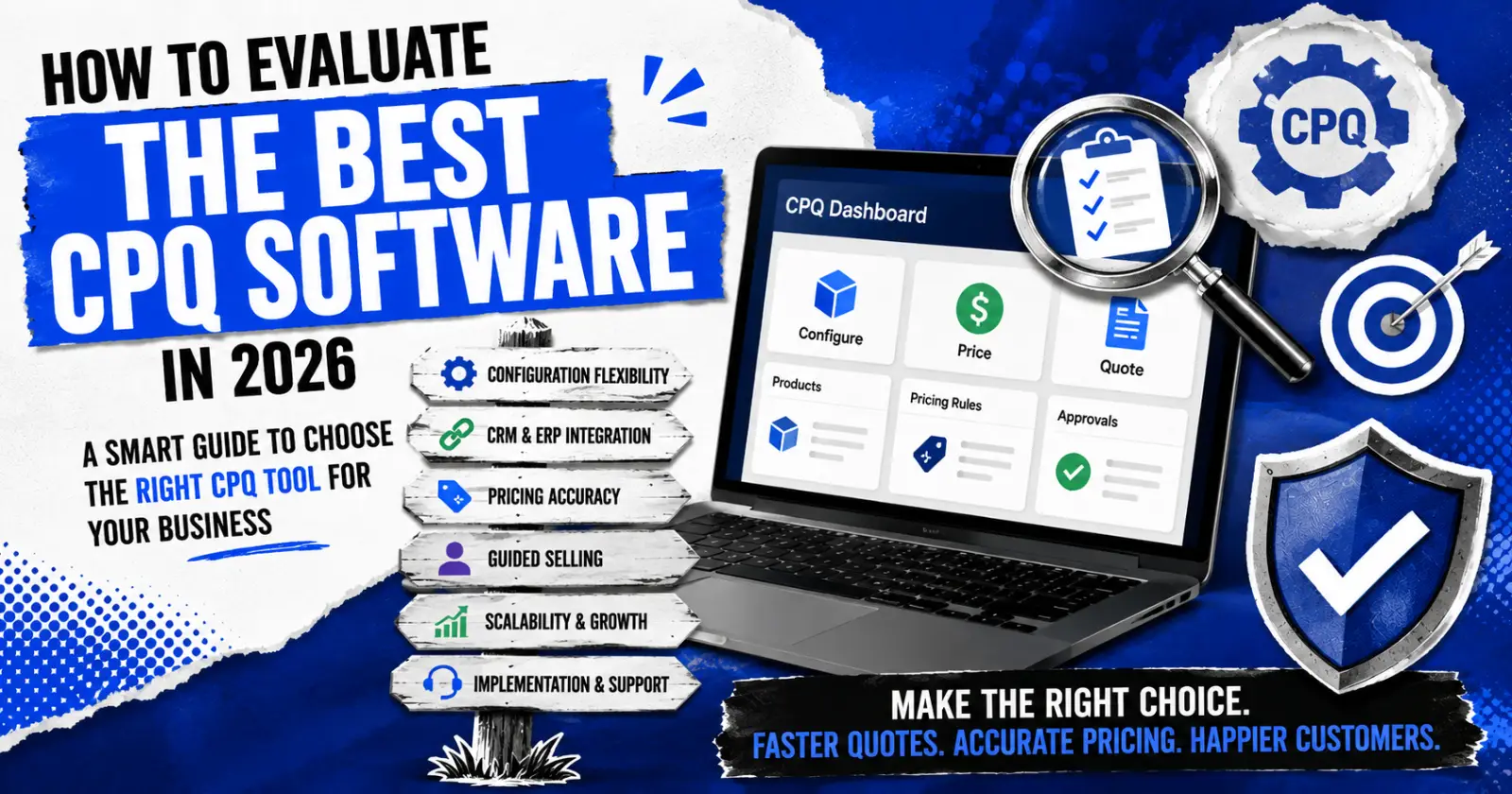
Choosing CPQ software is not a small decision. It touches sales, pricing, engineering, and finance all at once. Pick the wrong tool, and your team ends up with slow quotes, pricing errors, and frustrated reps. Pick the right one, and quoting becomes faster, cleaner, and far less painful.
In 2026, the market has more CPQ options than ever. Though it provides customers with a lot of options, it makes evaluation much harder. This blog walks through what actually matters when comparing tools, so you can find the best CPQ quoting tool for your business without getting lost in vendor marketing.
Why CPQ Evaluation Deserves Real Time
CPQ (Configure, Price, Quote) software sits at the center of your sales process. It decides how fast a rep can build a quote, how accurate that quote is, and how well it connects to your CRM, ERP, and finance systems.
A rushed evaluation often leads to wrong product selection. Teams pick up a tool based on a slick demo, then discover six months later that it can’t handle their product complexity or doesn’t integrate with their existing systems. A structured evaluation process prevents this.
If you want a solid starting point, this list of best CPQ tools breaks down several platforms side by side, which is a good way to see what’s actually out there before you start demos.
Core Criteria for Evaluating CPQ Software
1. Configuration Flexibility
Not all products are simple. If you sell configured, engineered, or highly customized products, your CPQ tool needs rules-based configuration that can handle complex logic. Ask vendors how their system manages product dependencies, constraints, and options. A tool that only handles simple product catalogs will struggle once your product gets complicated.
This is one of the biggest differentiators among vendors. Some platforms are built for simple, catalog-style selling. Others are built for manufacturers with thousands of configurable variables. Know which category your business falls into before you compare pricing.
2. CRM and ERP Integration
CPQ software rarely works alone. It needs to pull customer data from your CRM and push order data to your ERP. Weak integration creates duplicate data entry, delays, and errors between systems.
When evaluating vendors, ask for specifics: Do they offer native connectors for your CRM (Salesforce, Microsoft Dynamics, HubSpot)? How do they handle ERP integration for order and inventory data? A demo that only shows the quoting screen and skips integration is missing half the story.
For a closer look at how different vendors approach this, this breakdown of CPQ software vendors covers integration approaches across several platforms.
3. Pricing Engine Accuracy
Pricing mistakes are expensive. A strong CPQ tool should support tiered pricing, discount rules, approval workflows, and dynamic pricing based on configuration. Ask vendors how their system prevents reps from applying pricing that falls outside company policy.
Look for approval routing too. If a discount needs manager sign-off, the system should handle that automatically, not rely on email chains.
4. Guided Selling
Guided selling helps reps, especially newer ones, ask the right questions and land on the right product configuration. It reduces errors and speeds up the sales cycle. When evaluating tools, ask how guided selling logic is built and maintained. Some platforms require heavy IT involvement for every update; others let sales operations teams make changes without a developer.
5. Ease of Use for Sales Teams
A powerful CPQ tool that reps avoid using is worthless. During demos, pay attention to how many clicks it takes to build a basic quote. Ask if you can test the tool with your own sales team before committing. Adoption problems are one of the most common reasons CPQ projects fail.
6. Scalability
Your business changes. New product lines, new sales channels, new regions. Your CPQ software should be able to grow with your business. Ask vendors about their track record with companies similar in size and complexity to yours and ask what happens when you outgrow your current plan or product catalog.
7. Implementation and Support
Implementation timelines vary widely between vendors, sometimes from a few weeks to many months, depending on complexity. Ask for a realistic timeline based on your specific use case, not a generic average. Also ask about ongoing support: Is there a dedicated account manager? What does the support ticket process look like? Do they offer training resources for new hires?
How to Shortlist the Best Rated CPQ Software
Once you understand your requirements, narrow your list using these steps:
- List your must-haves: Separate essential features from optional ones. This keeps you from getting distracted by flashy features you won’t use.
- Request live demos, not canned ones: Ask vendors to demo using a product scenario from your own catalog. This shows how the tool handles your actual complexity, not a simplified example.
- Talk to current customers: Ask vendors for references, ideally companies similar in size and industry to yours. Ask about implementation experience, not just the end product.
- Check integration compatibility early: Confirm integration with your CRM and ERP before you get deep into the sales process. This can eliminate vendors quickly.
- Involve your sales team: They will use this tool daily. Get their feedback before signing a contract.
Common Mistakes to Avoid
Many buyers focus only on price and miss long-term costs like implementation, training, and ongoing maintenance. Others choose a tool based on a demo that doesn’t reflect their real product complexity. And some skip talking to reference customers entirely, which is one of the most useful steps in the whole process.
Take your time. CPQ software is not something you want to replace every year.
Final Thoughts
Evaluating CPQ software takes effort, but it pays off. Focus on configuration flexibility, integration strength, pricing accuracy, and ease of use. Involve your sales team early, and don’t skip reference calls. A thoughtful evaluation process now saves you from a costly switch later.
FAQs
1. What does CPQ stand for?
CPQ stands for Configure, Price, Quote. It’s software that helps sales teams build accurate quotes for complex or configurable products.
2. How long does CPQ implementation usually take?
It depends on your product complexity and integration needs. Simple deployments can take a few weeks. Complex, highly configured environments can take several months. Always ask vendors for a timeline based on your specific situation.
3. Is CPQ software only for manufacturers?
No. CPQ is used across industries, including software, telecom, and financial services. It’s most valuable when products or services have configurable options, tiered pricing, or approval workflows.
4. Which CPQ software vendors offer the most customizable solutions?
This depends on your product complexity. Vendors built for engineered or configured products typically offer deeper rules-based customization than tools designed for simple catalog selling. Comparing vendor capabilities against your specific configuration needs is the best way to find a fit.
5. Can CPQ software integrate with existing CRM systems?
Yes, most modern CPQ platforms offer integrations with major CRMs like Salesforce, Microsoft Dynamics, and HubSpot. The depth of that integration varies, so it’s worth confirming exactly what data syncs and how often.
6. Do small businesses need CPQ software?
Not always. If your sales process is simple with few pricing variables, a basic quoting tool may be enough. CPQ becomes valuable once products, pricing, or approval workflows get complex.
7. How much does CPQ software cost?
Pricing varies by vendor, company size, and feature set. Most CPQ vendors use per-user, per-month pricing, though enterprise deployments may involve custom contracts. Always ask for a detailed cost breakdown, including implementation and support fees.
Read Also – GreytHR Features, Payroll, Pricing & Employee Login
