


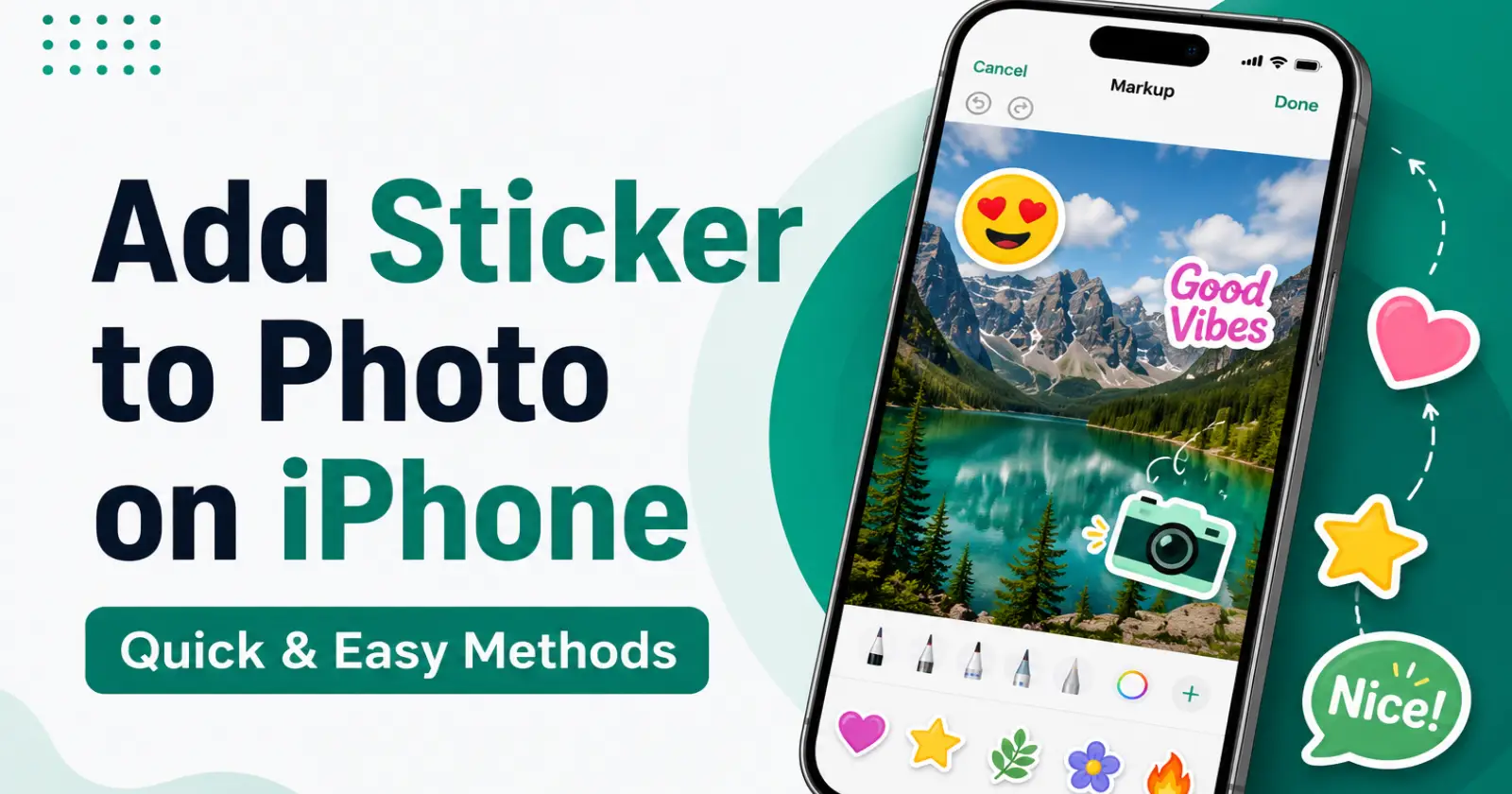
Photos often feel incomplete when they lack a personal touch or creative detail that reflects your mood, style, or the moment captured in the picture. Lots of iPhone users like to enhance their photographs using emojis, tags, graphical effects, and other decorations to bring life to the photos.
Learning how to add sticker to photo iPhone has become quite easy due to many editing apps and a few applications accessible from the Apple store. A properly edited photograph can help you enhance your online post or make your greeting pictures more attractive without needing to be a skilled editor.
The Photos Markup Feature
iPhone Photos application comes with a built- in Markup feature that enables the use of stickers, texts, or shapes to add to the images saved in the application without downloading any additional apps. This feature is efficient and very effective whenever someone requires easy and smooth customization.
When the required image is selected, one opens the edit tab, where you will find the Markup feature under drawings. Sticker-like features available under this feature make it very effective in making the photo attractive.
Creating a Custom Sticker From Photos
Recent iPhone versions allow users to create custom stickers from objects or people already available inside existing pictures stored on the device. This feature gives a more personal editing experience compared to using standard sticker packs downloaded from applications.
Users can press and hold a subject in a photo to isolate it from the background and save it as a reusable sticker. This method makes it possible to personalize images with familiar faces, pets, decorative objects, or memorable travel moments.
Adding a Sticker Through i Message Tools
The iMessage application offers another convenient way to decorate photos using stickers available through message conversations and emoji collections. Many users prefer this method while sharing edited images directly with friends or family members during conversations.
A person can open a photo inside the Message app, tap the editing options, and place stickers anywhere in the image before sending it. This simple approach helps users quickly add creative details without moving between multiple editing applications.
Read Also – How to Rotate Photo on iPhone
Editing Photos Using Third-Party Applications
There exist many photo-editing software applications that have very sophisticated collections of stickers, overlays, and graphics for individuals who want their photos to be more creatively edited. Most popular photo-editing applications offer drag-and -drop stickers with resizing and rotation capabilities.
Most people prefer such photo-editing applications when they need professionally polished images for social networks or other projects. The capability to add sticker to photo iPhone images through professional editing applications provides more flexibility compared to regular editing tools.
Organizing Stickers For Better Photo Design
The location of stickers is crucial for ensuring that a harmonious and clean picture remains instead of harmonious and clean picture remains instead of having a crowded image. It helps in making the image easy to read, making the image easy to read, making it easier to focus and retain its initial beauty.
Users should avoid covering important subjects, faces, or background details while decorating their images with multiple elements. A well-planned design creates a more polished appearance and helps every sticker blend naturally into the overall photo composition.
Final Words
Placing stickers on the photos of the iPhone helps one create a sense of creativity, personality, and attractiveness of the photographs that may vary according to various occasions. Using the built-in features, Sticker options, and editing applications makes it easy for both beginner and experienced photo editors.
One can easily add sticker to photo on an iPhone by just taking advantage of the existing editing applications found on the phone. With appropriate use, stickers help create a sense of personality and attractiveness in even a simple photo. If you later decide to remove unwanted stickers or clean up your edits, you can also learn how to delete stickers on iPhone using Apple’s built-in sticker management options.
